Make Extraction
How to make an extraction?
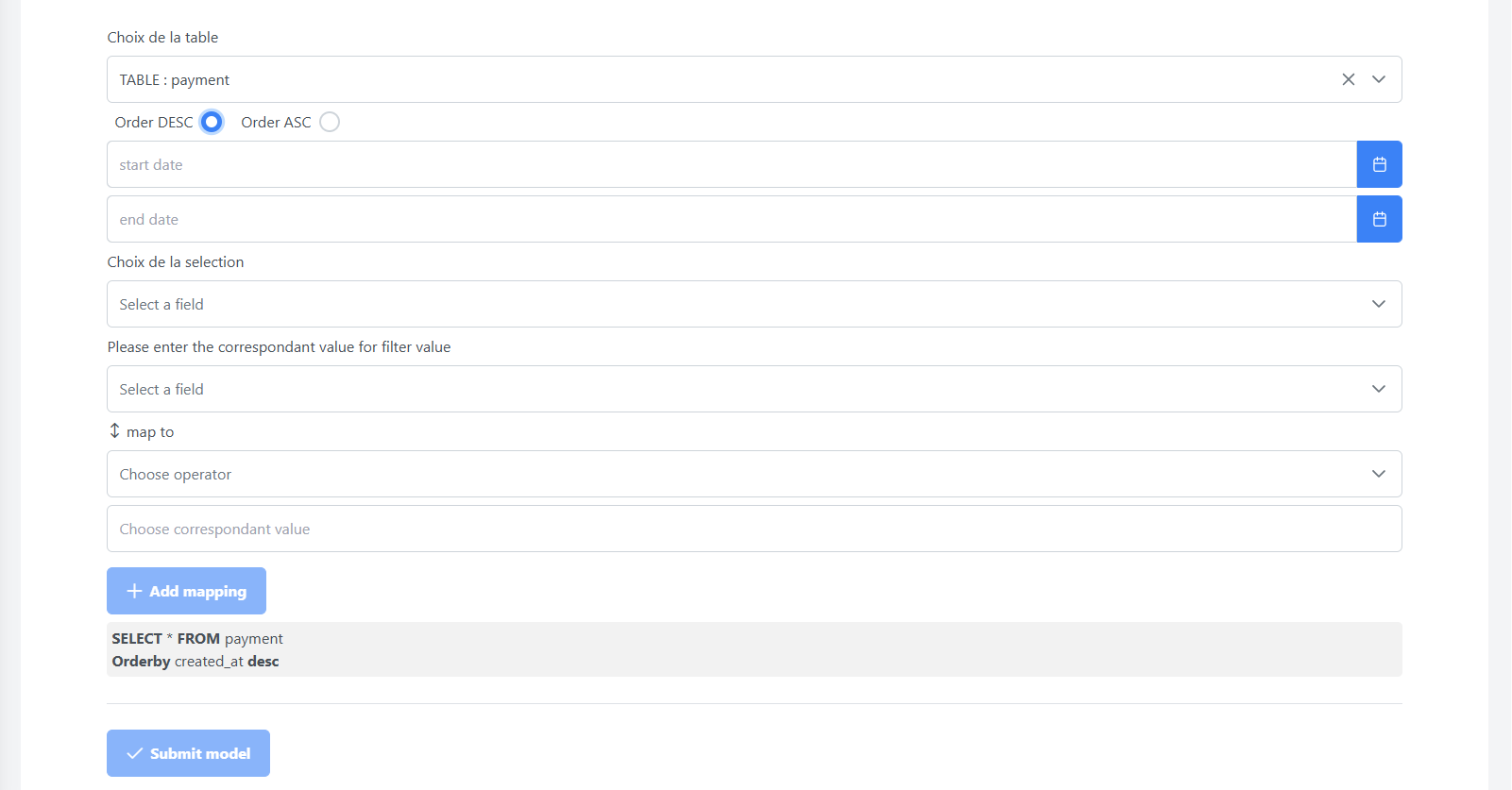
To initiate an extraction, follow these steps:
-
Fill in the required information in the extraction form.
-
Click on the Submit model button to create the extraction.
-
After submission, go to the reporting page where you can see the details of your extraction.
📤 Extraction Overview
You will notice that two different status lines appear in the image above:
-
Failed: this means that we did not have any data for the selected period.
-
Completed: when data exists for the defined period. you can download the CSV file by clicking on the 📤 Download button.

Was this page helpful?