Dashboard
Welcome to the Dashboard section of the ClaPay Back Office.
This is your control center for monitoring all payment activities at a glance.
🧭 Dashboard Overview
1.
Main Metrics Summary
At the top of the dashboard, you’ll find four key metrics:
- Total: Displays the total number of transactions processed.
- ✅ Success: Number of successful transactions.
- 🔄 Pending: Transactions that are currently being processed.
- ❌ Failed: Transactions that were unsuccessful.
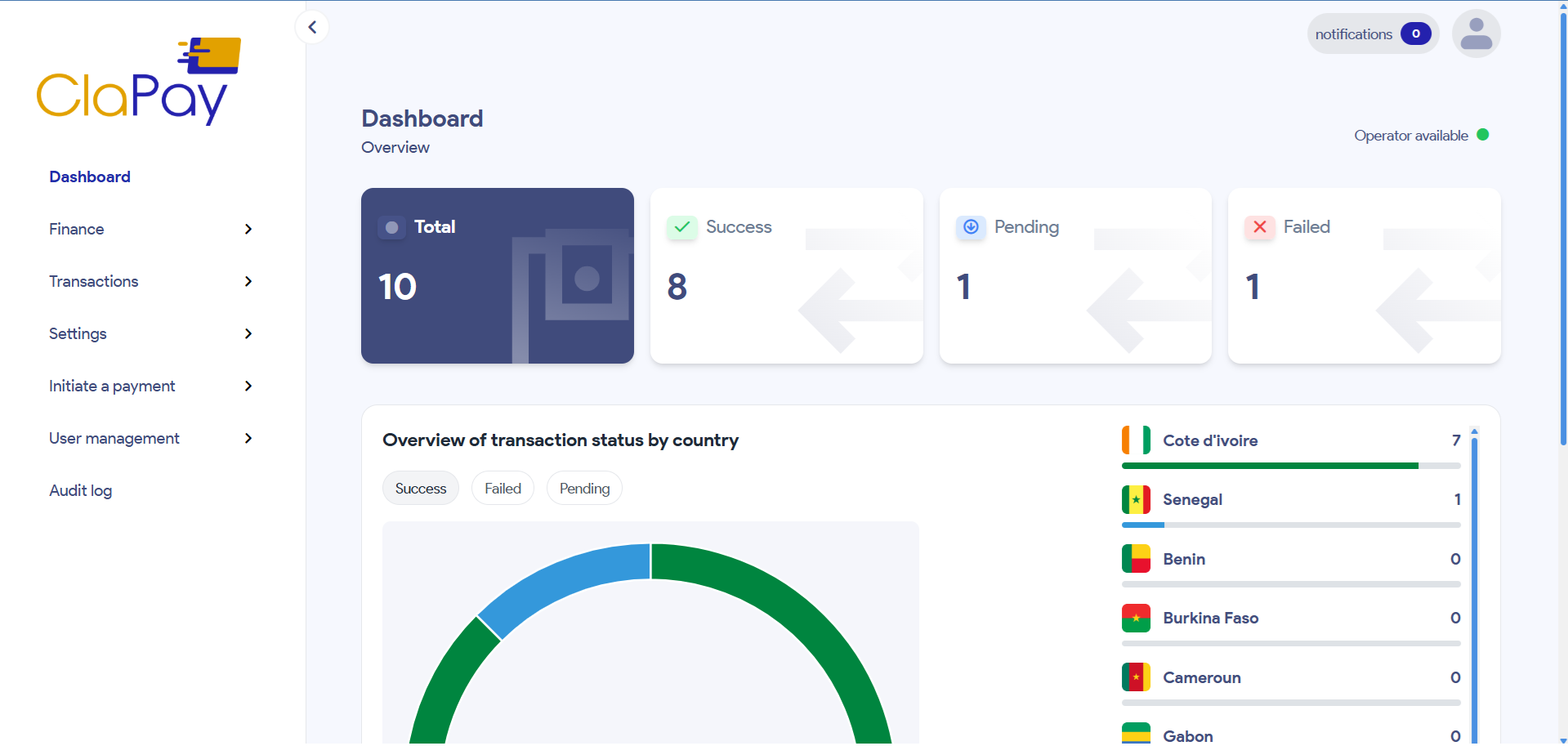
Example:
Total transactions = 10
Successful = 8
Pending = 1
Failed = 1
2.
Transaction Status by Country
Below the summary, you’ll see a graphical and tabular overview of successful transactions by country.
- A donut chart provides a visual representation of successful transactions.
- A country list on the right displays a detailed breakdown by location.
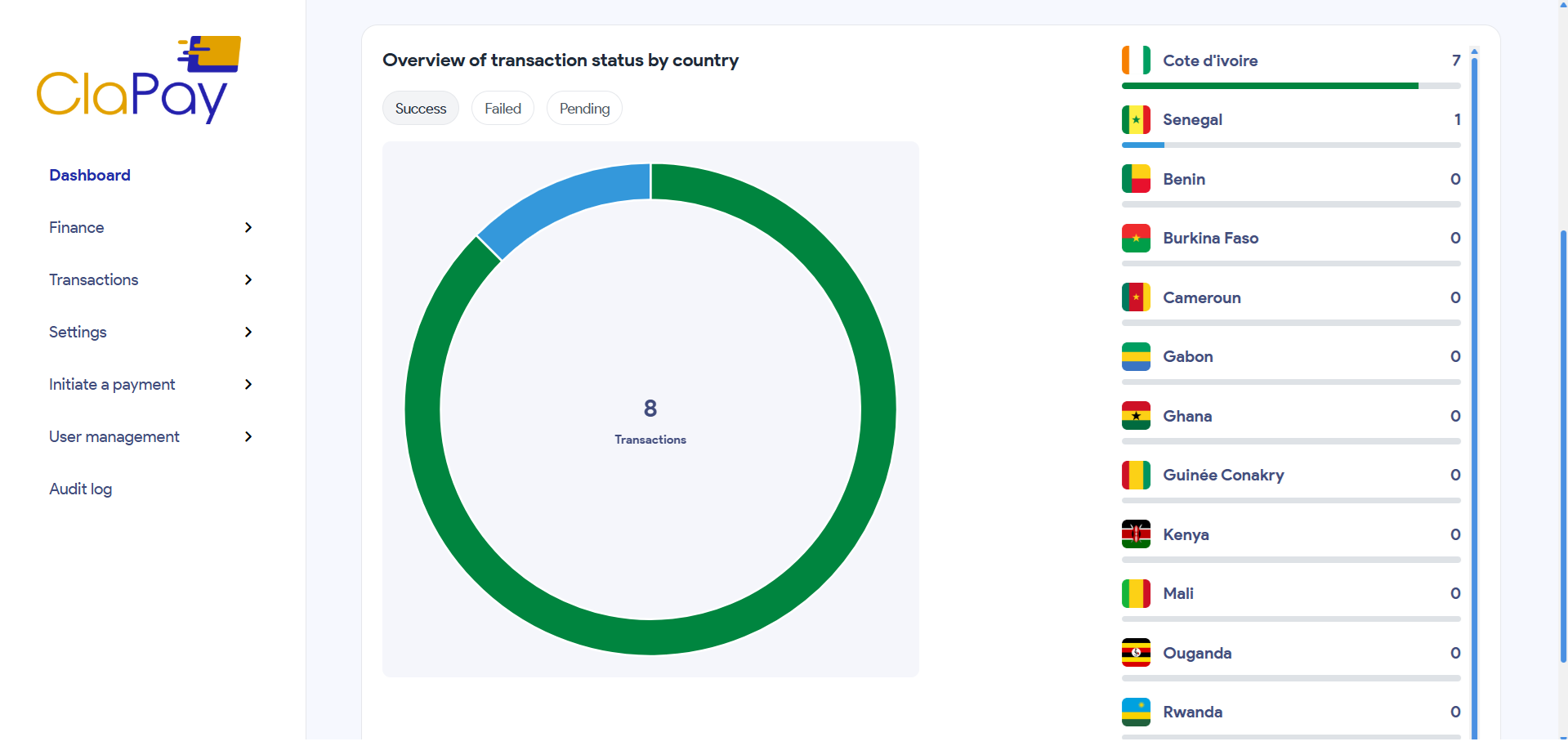
Example:
- Côte d'Ivoire: 7 transactions
- Senegal: 1 transaction
- Other countries: 0 transactions
You can switch views using the status filters:
- ✅ Success
- ❌ Failed
- 🔄 Pending
Clicking these filters will dynamically update both the chart and the country list to reflect the selected transaction status.
3.
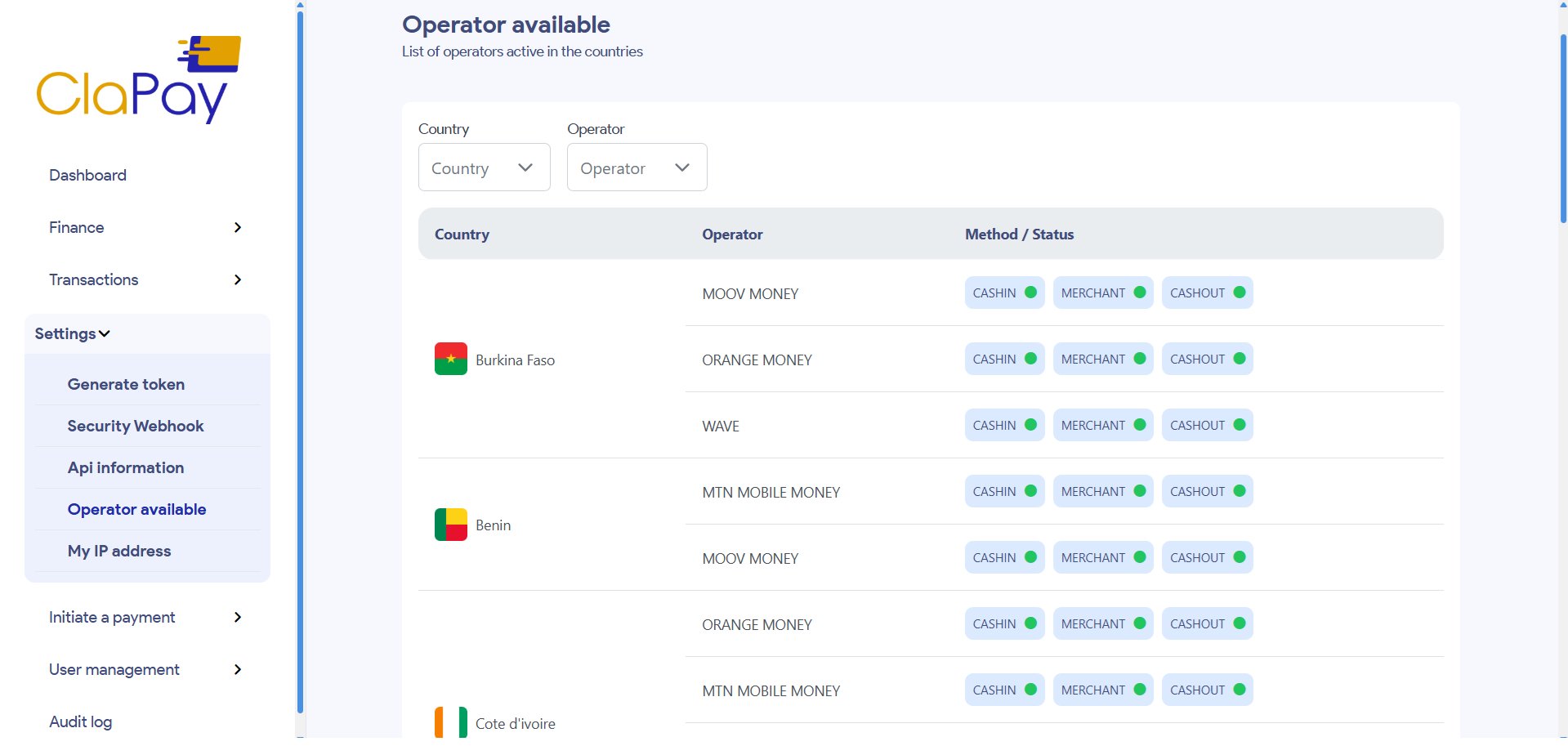
Operator Availability & Notifications
In the top-right corner of the dashboard:
- Operator Status is displayed — 🟢 green indicates that the operator is available by country.
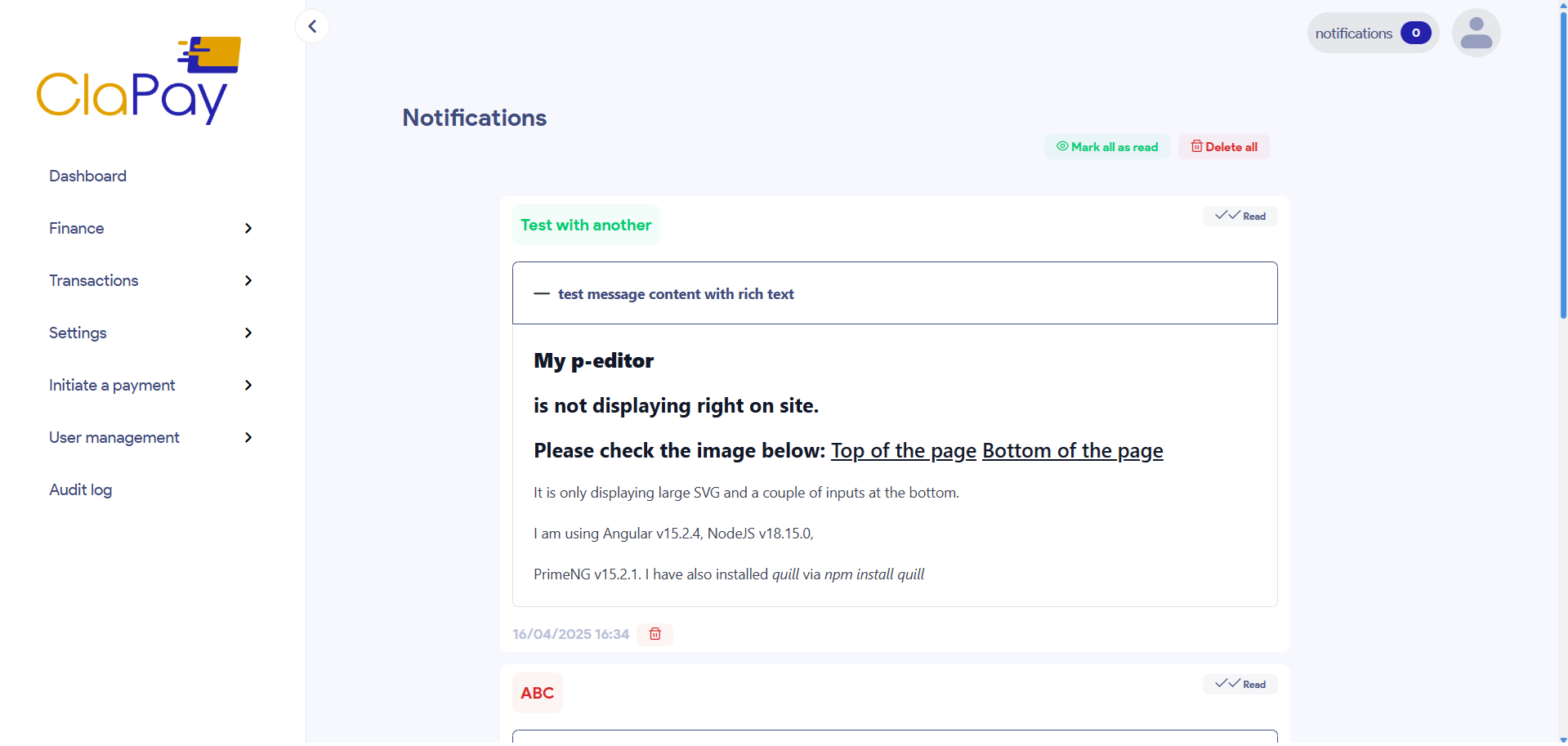
- Click the 🔔 notification button to view system updates, alerts, or important messages related to your transactions.
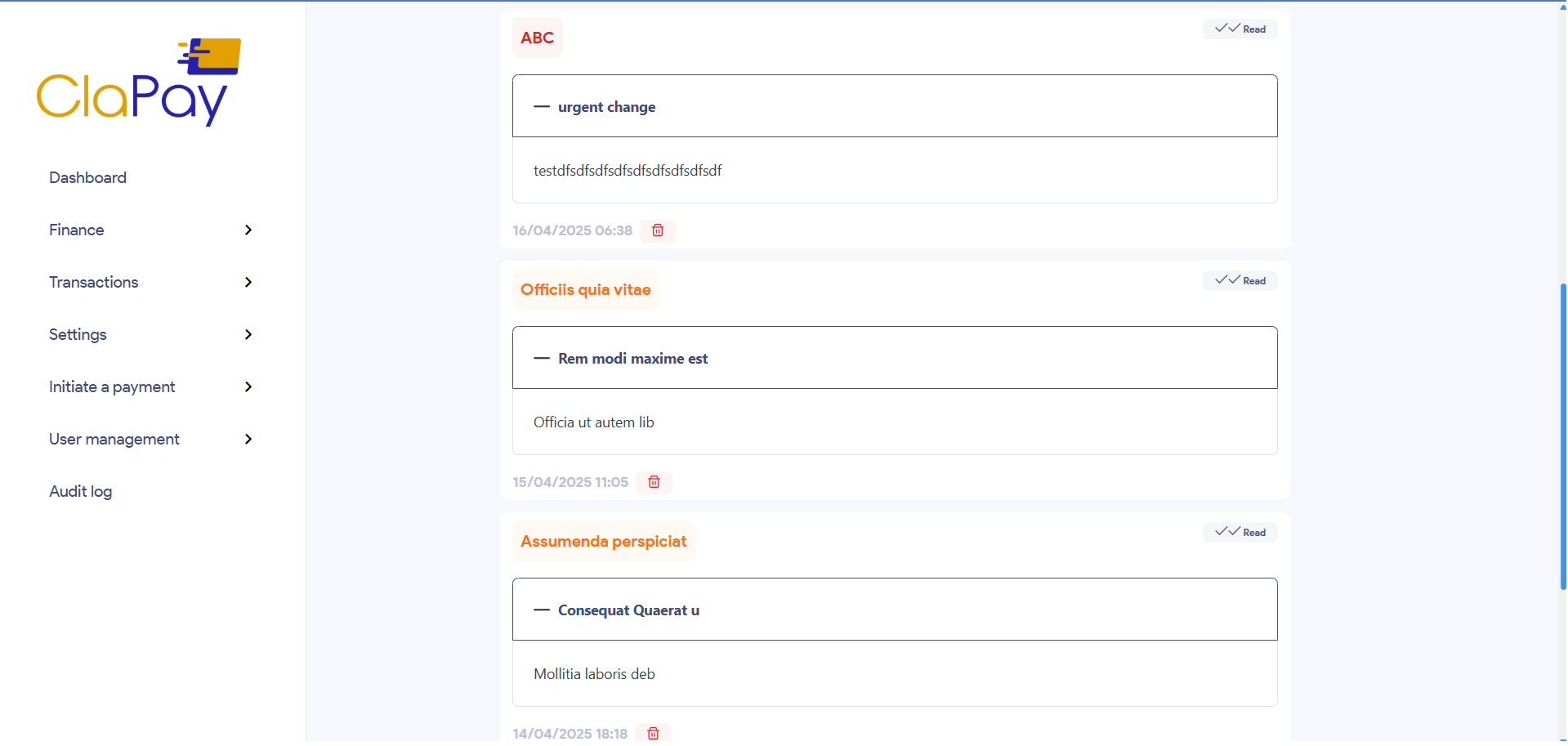
🗂️ Navigation Menu (Left Sidebar)
The left sidebar provides quick access to various modules of the ClaPay Back Office:
- Service Money
- Banking Services
- Top Up Request & Settlement
- User Management
- KYB (Know Your Business)
- Audit Log
- Settings Notification
Each of these modules will be explained in the upcoming sections of this tutorial.
Was this page helpful?