Audit Log
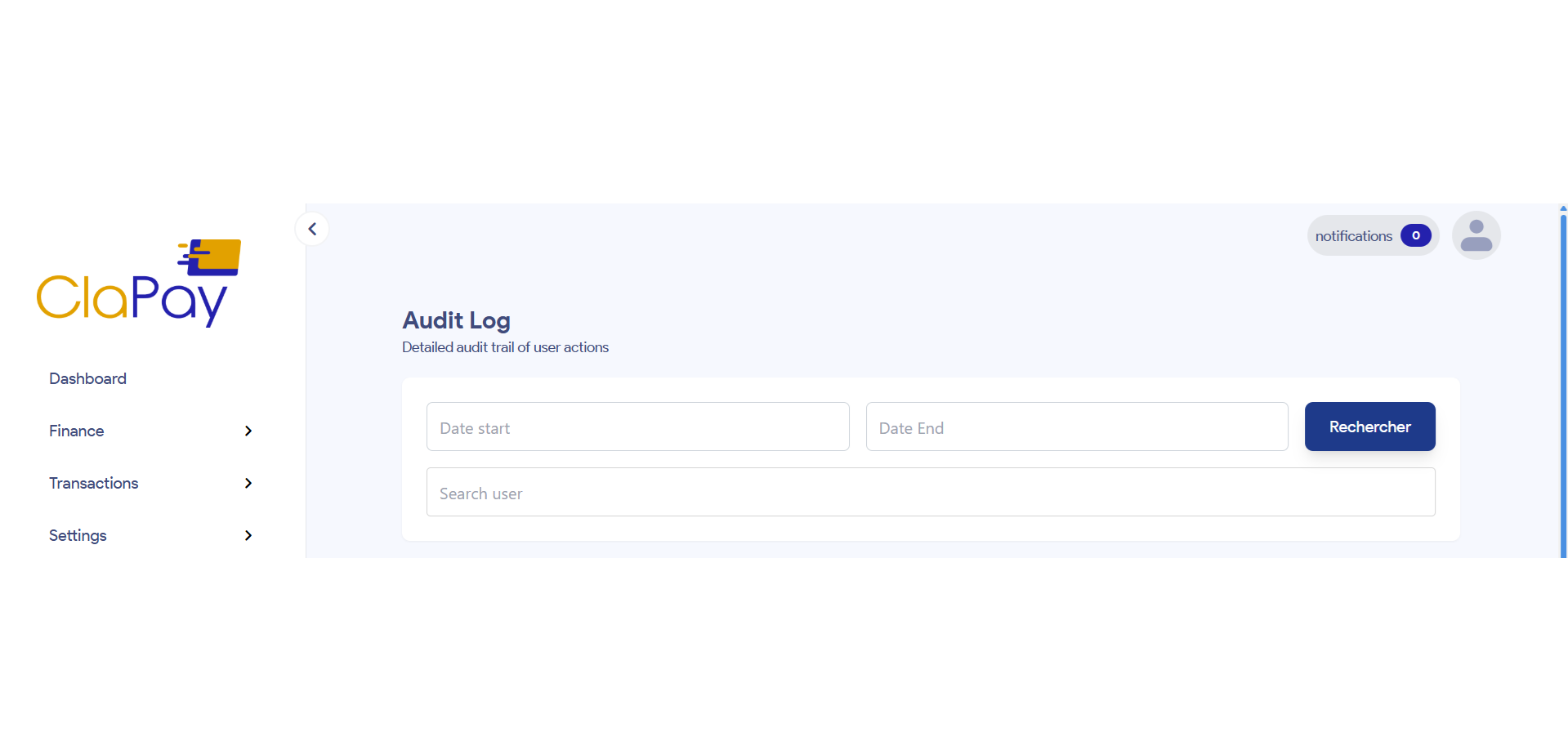
The Audit Log section allows you to view and manage the audit log for tracking changes and activities in the ClaPay Back Office.
This feature is essential for maintaining 🔐 security and ✅ accountability within the system.
The audit log records all significant actions 📝 taken by users, including changes to user accounts, roles, and permissions.
🔍 Filtering the Audit Log
You can filter the audit log by 📅 date range, and 👤 user to find specific entries.
This is useful for tracking changes made by a particular user or during a specific time period.
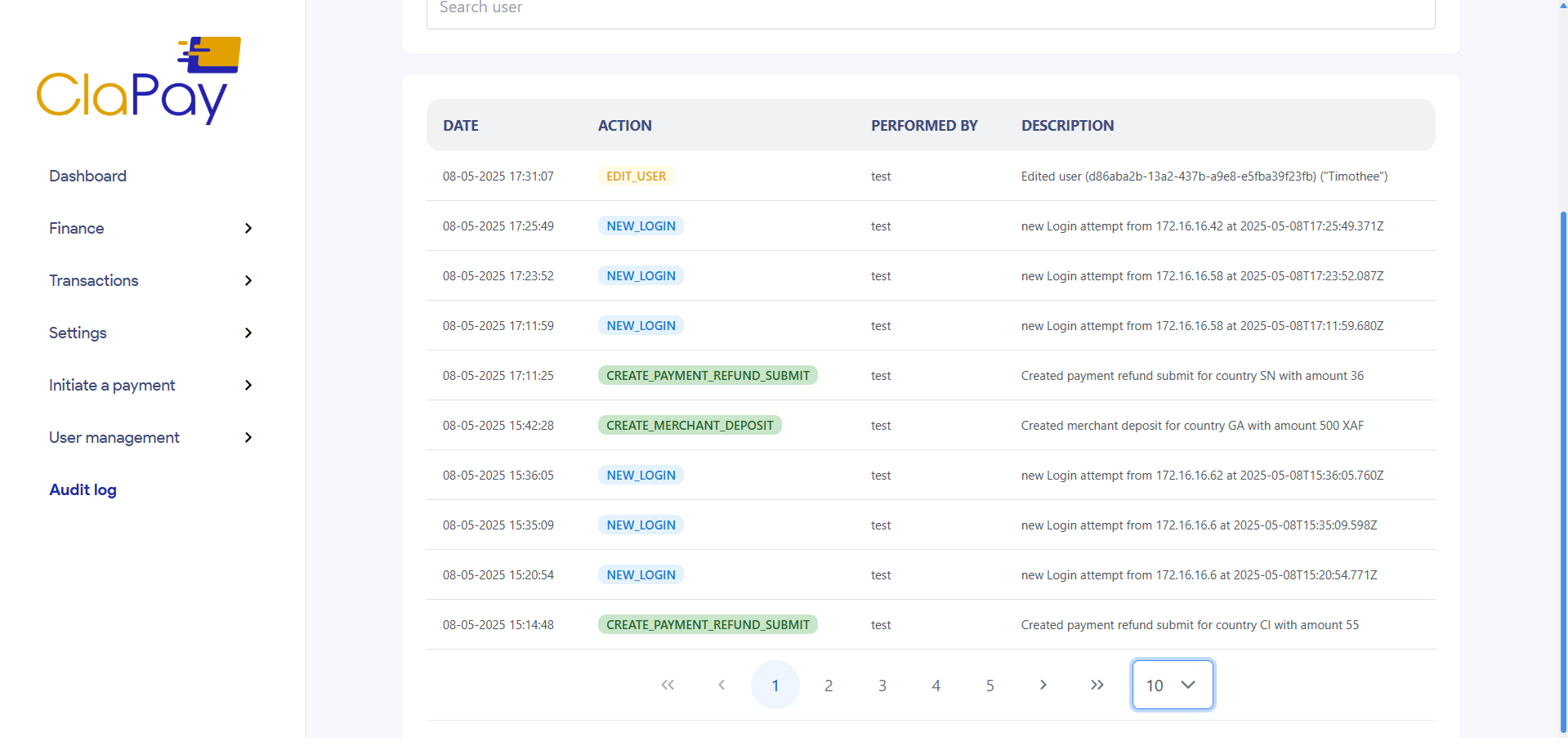
📄 Viewing Audit Log Entries
This table displays the audit log entries, including:
- 📆 Date
- 👤 User
- 🛠️ Action Taken
- 📝 Description
Was this page helpful?