Top Up Request
To fund your ClaPay wallet, you must submit a provisioning request 📝.
This process lets you choose your preferred funding method and ensures your request is properly documented 🗂️.
🔄 Steps to Submit a Provisioning Request
Here’s how to correctly submit a provisioning (top-up) request in the ClaPay Back Office:
1.
🖱️ Open the Request Form
Click the "Make a request" button located at the top-right corner of the page.
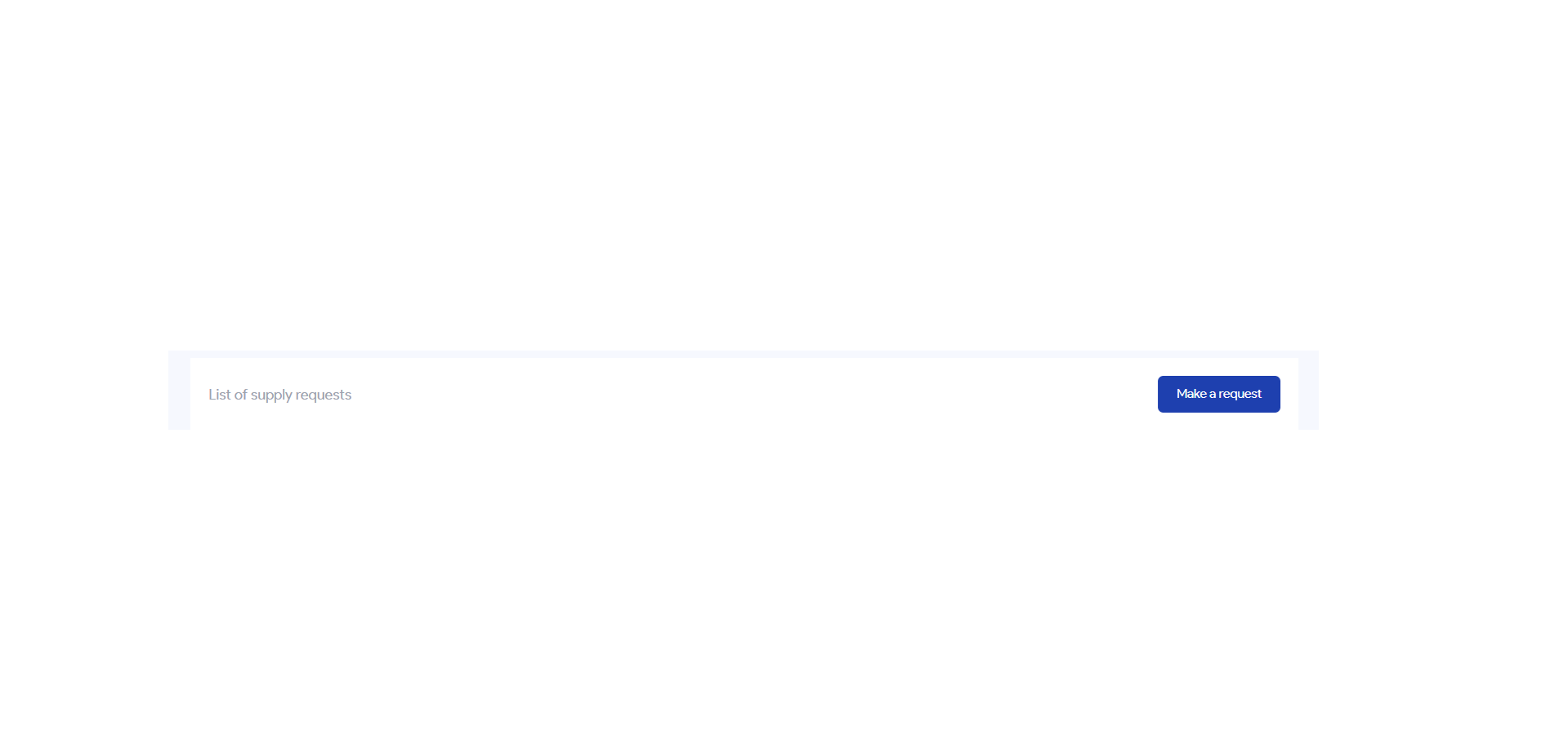
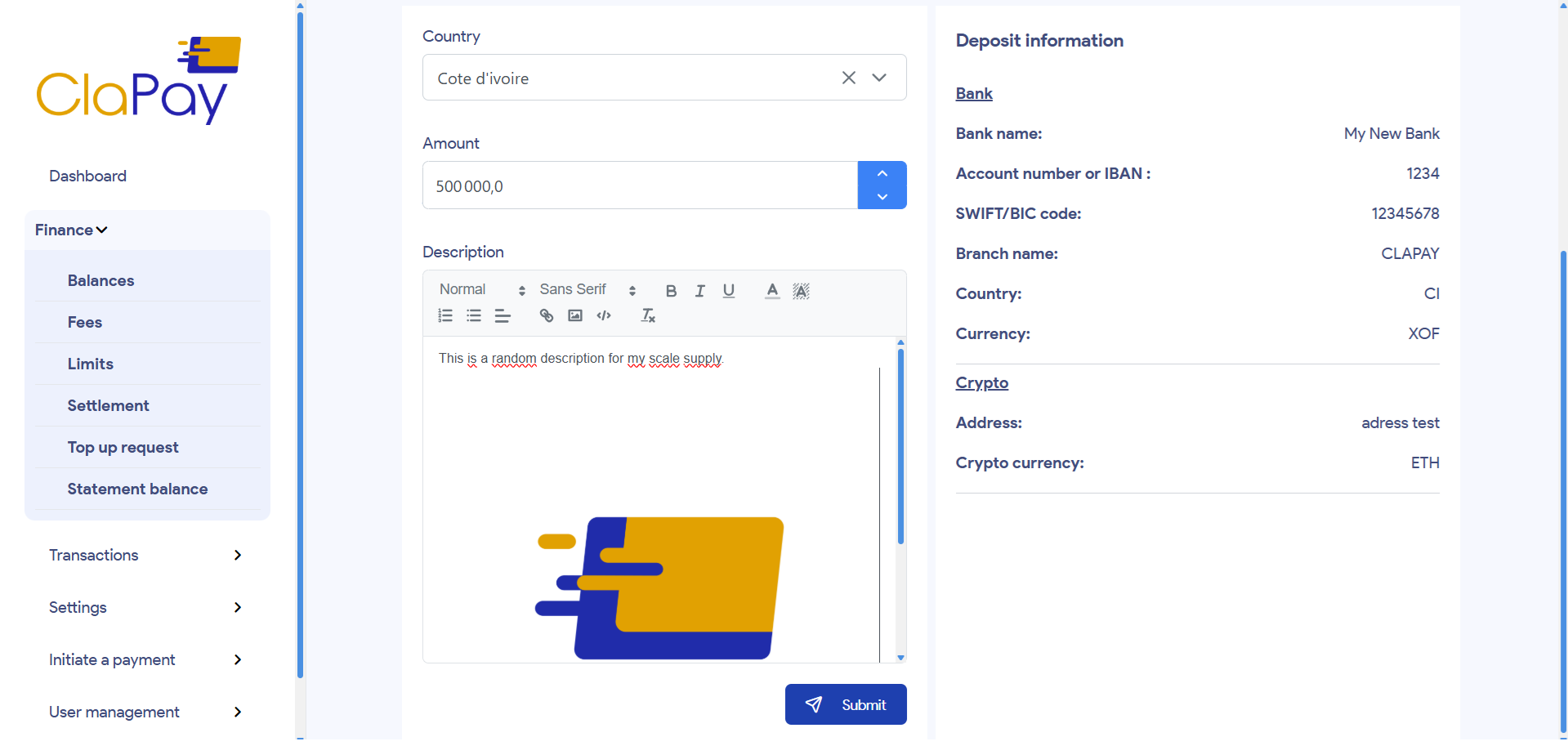
This will open a form where you can enter the details of your top-up request.
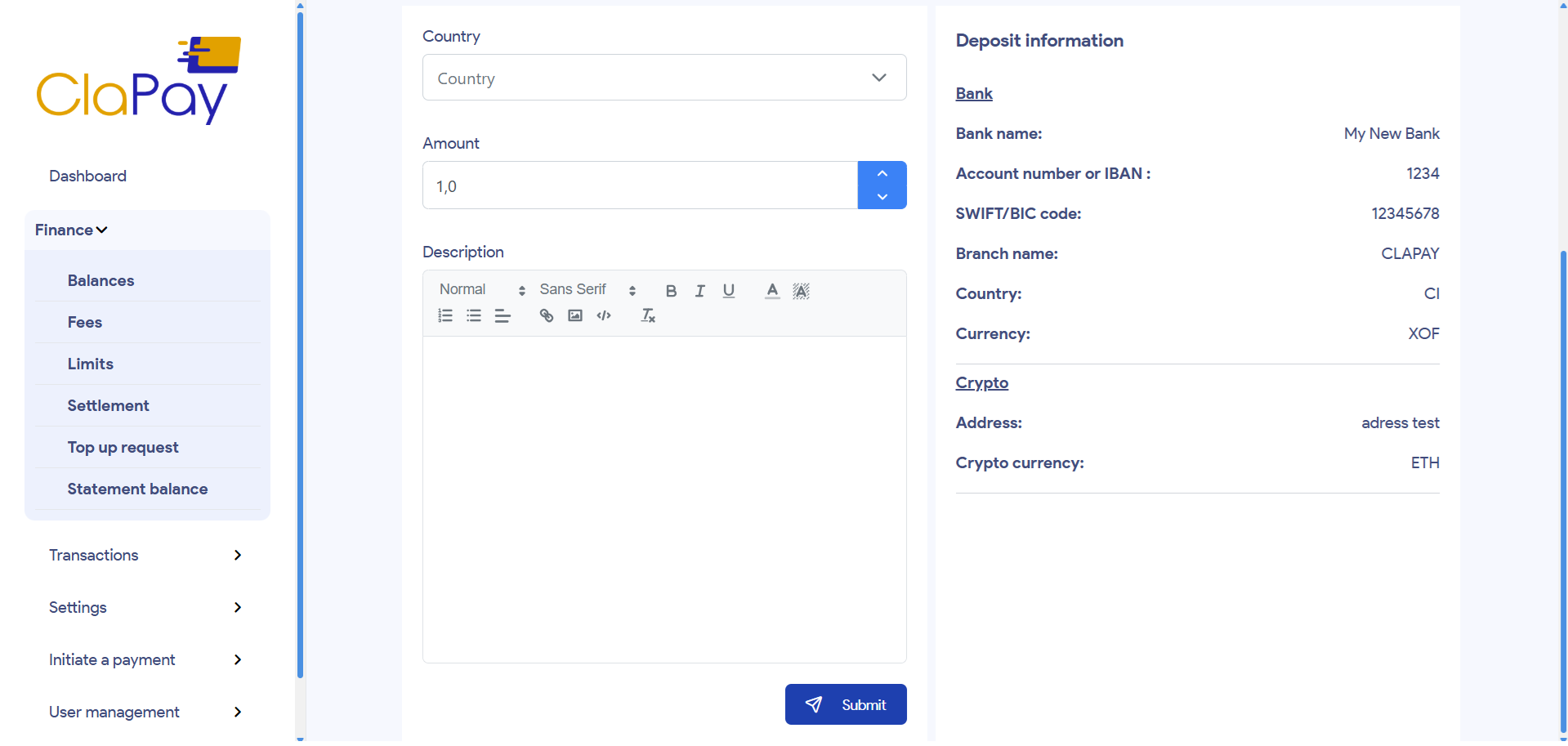
2.
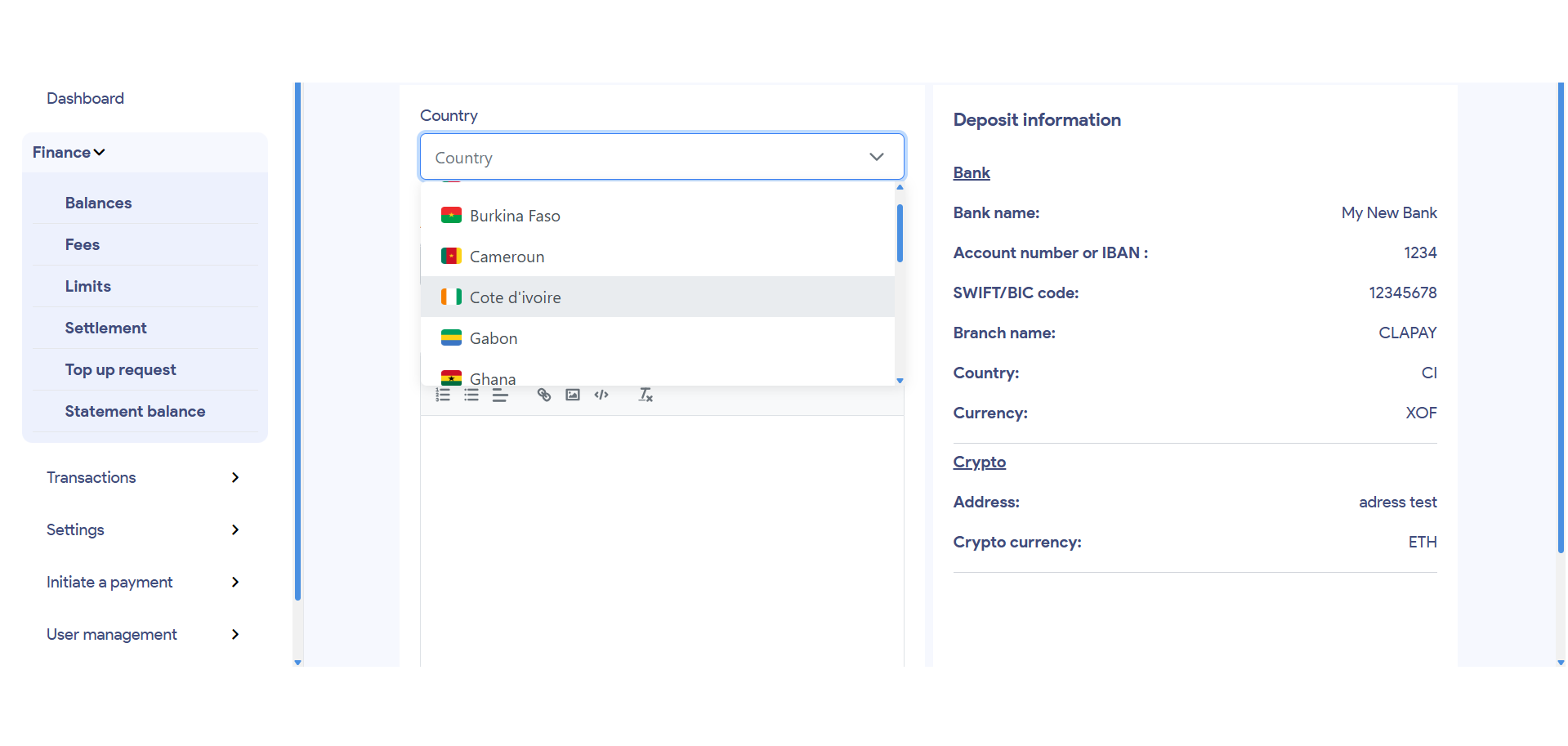
🌍 Select the Country
Choose the country for which you want to fund a local balance.
The selected country determines the currency and the relevant banking or crypto information.
3.
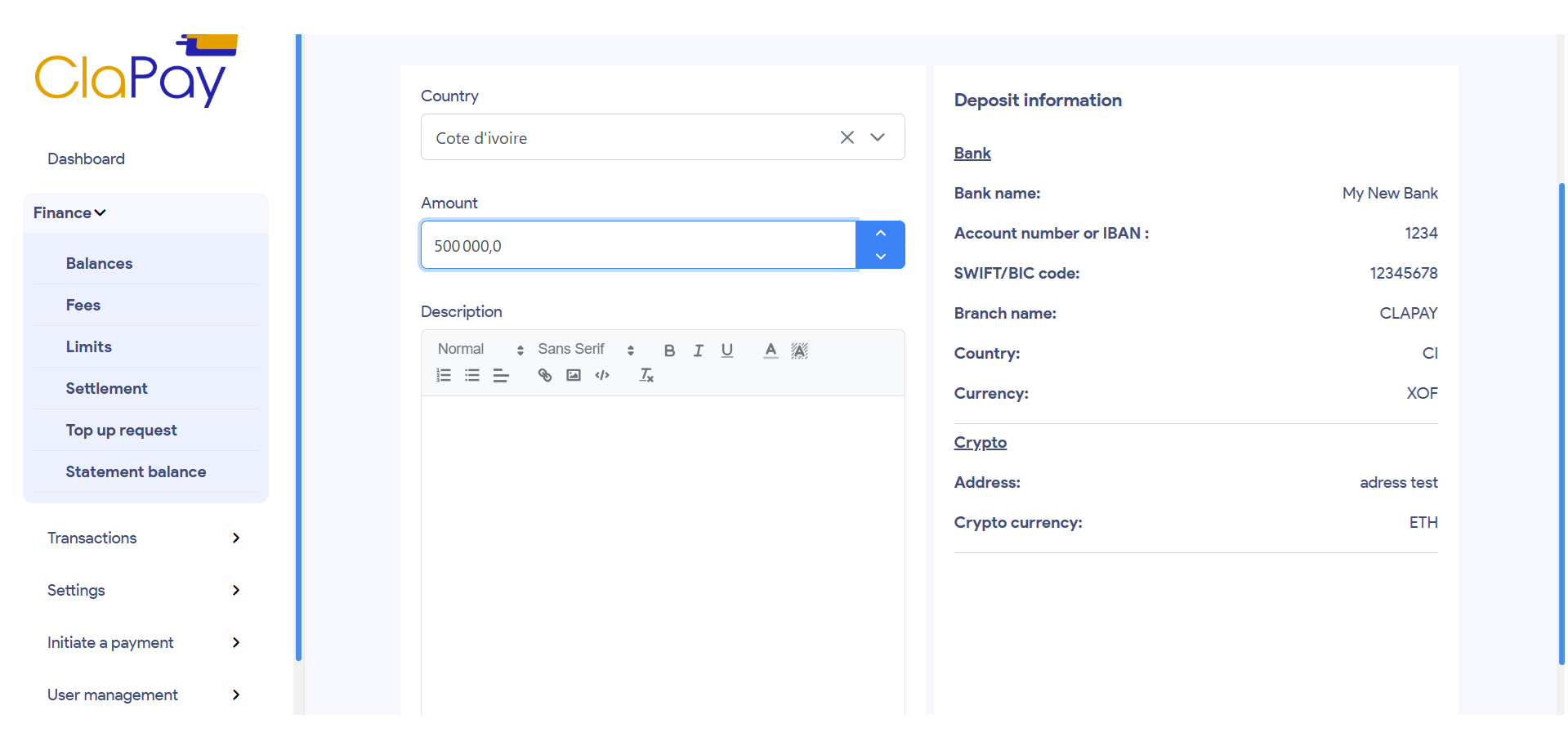
💰 Enter the Amount
Specify the exact amount you wish to deposit, in the local currency of the selected country.
4.
📝 Add a Description and Upload Proof of Transfer
In the Description field, include a reference or reason for the deposit.
Then upload a proof of transfer, depending on the selected method:
- 📄 Bank transfer: Upload the bank transfer receipt
- 📎 Crypto deposit: Upload a screenshot or transaction link
5.
📤 Submit the Request
Once all fields are completed and the proof is uploaded, click the Submit button to send your provisioning request to ClaPay for review.
6.
📋 Track the Status of Your Request
After submission, your request will appear in the list of top-up requests with one of the following statuses:
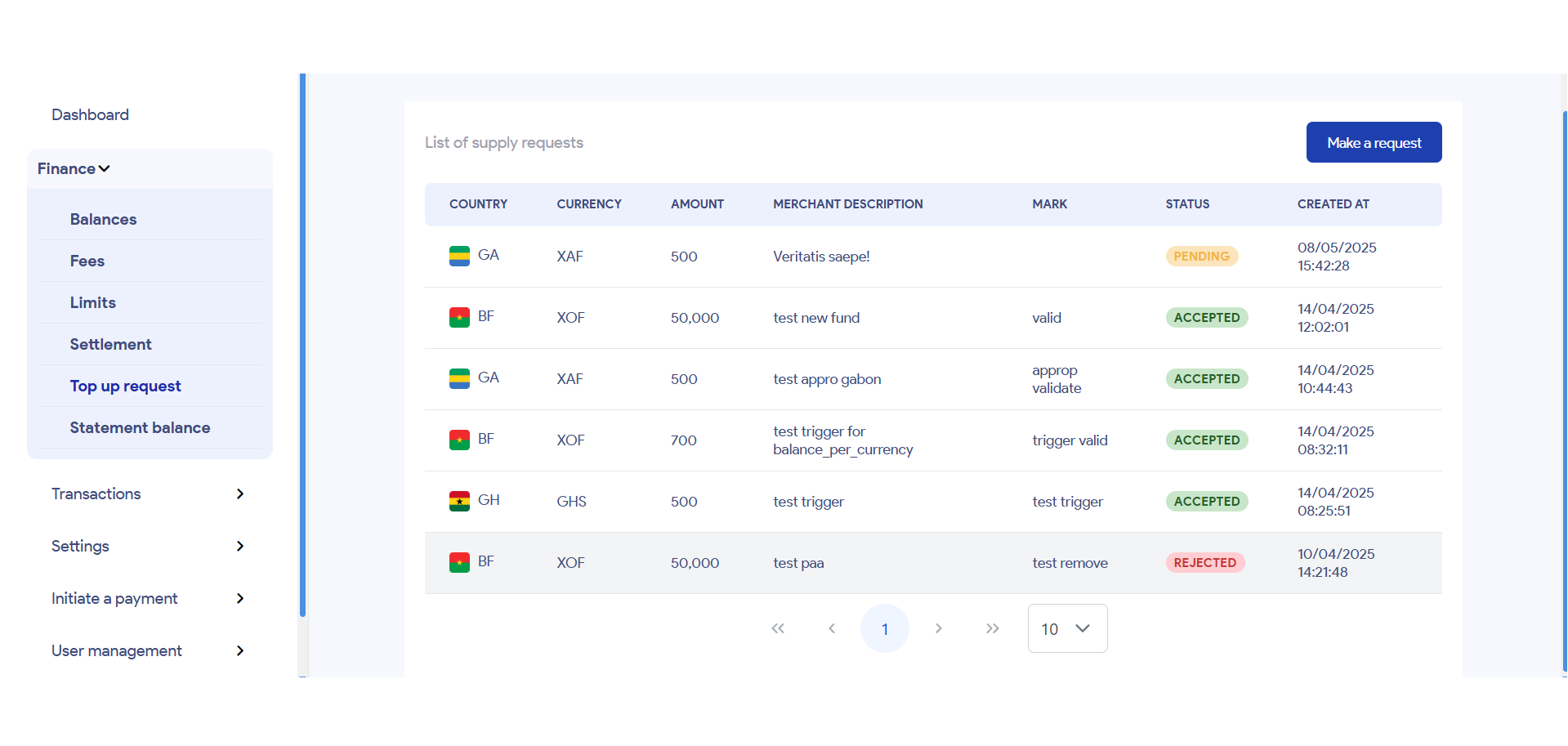
- ⏳ Pending: Your request is being reviewed by the ClaPay team.
- ✅ Accepted: Your request has been approved — the funds have been credited to your wallet.
- ❌ Rejected: Your request was denied, usually due to missing or invalid information. You may need to correct and resubmit it.
Was this page helpful?