Security Webhook
The Security Webhook section allows you to set up and manage webhooks for security notifications in the ClaPay Back Office 🔐.
This feature enables you to receive real-time alerts about security-related events ⚠️, ensuring that you can respond promptly to any potential issues 🚨.
📜 Key History
Webhooks are a secure way of receiving real-time notifications of events in your account 🔄. This section explains how to secure your webhook integrations with transaction signatures 🛡️.
🤖 What are webhooks?
Webhooks are automated messages sent by applications when a specific event occurs 📤. They contain information about the event and are sent to a specified URL 🌐.
In the context of the ClaPay Back Office, webhooks can be used to notify your system about various events, such as:
- ✅ Successful transactions
- ❌ Failed payments
- 🔄 Account changes
Webhooks enable your system to receive real-time notifications of transactions, payments, and other events 📈.
🖋️ Transaction Signatures
Transaction signatures are security keys 🔑 that verify the authenticity of webhook notifications 📬. When our system sends a webhook, it includes a signature header that your application can verify 🧾.
✍️ How to create a signature?
- Click on the New Signature button ➕.

- Enter a label for the signature 🏷️.
- Click Generate to create the signature 🎉.
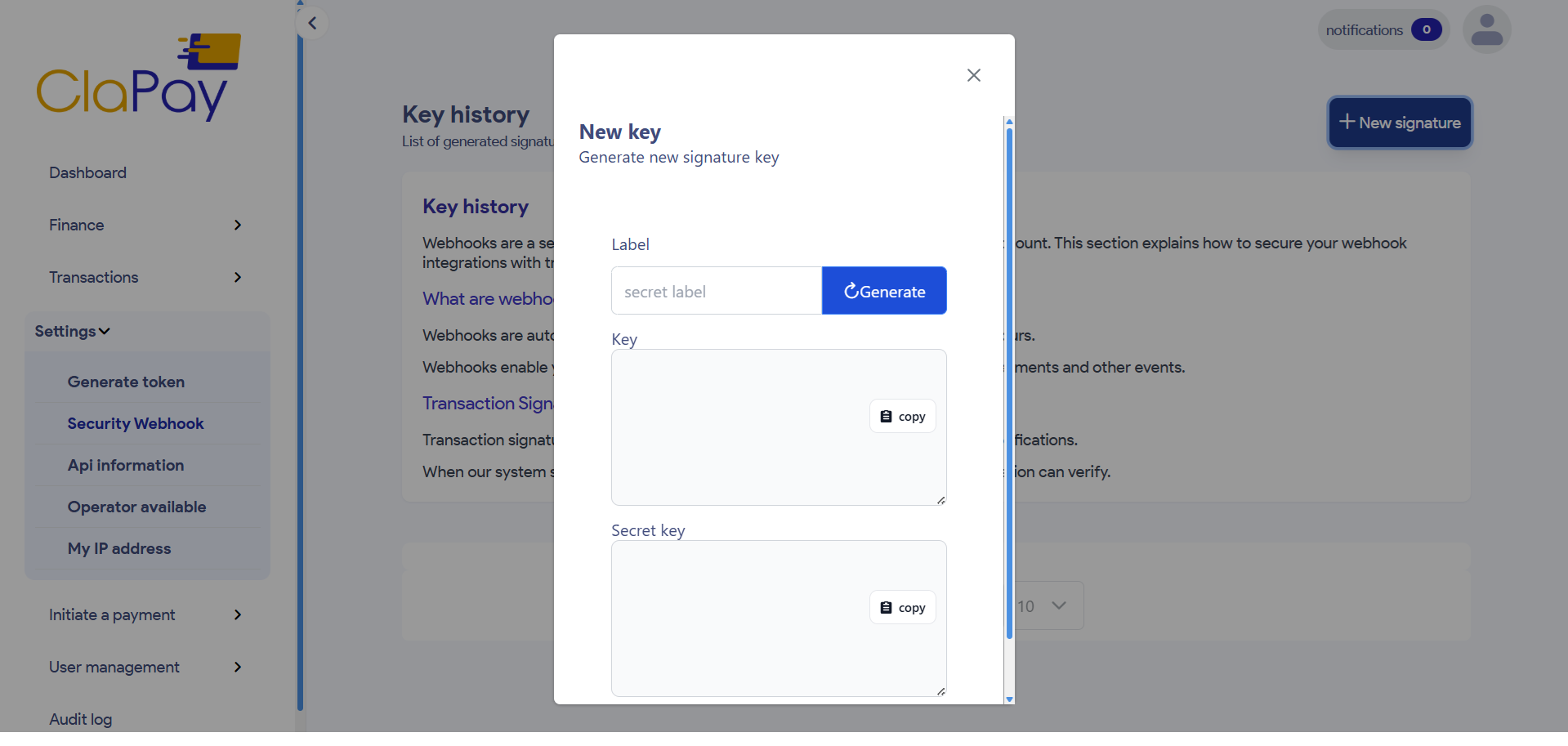
- Your new signature will be displayed in the list of signatures 📋.
Was this page helpful?