Operator Available
The Operator Available section provides a comprehensive overview of the available operators in the ClaPay Back Office 👩💼👨💼.
It allows you to track and manage the status of each operator, including their availability for transactions 💳.
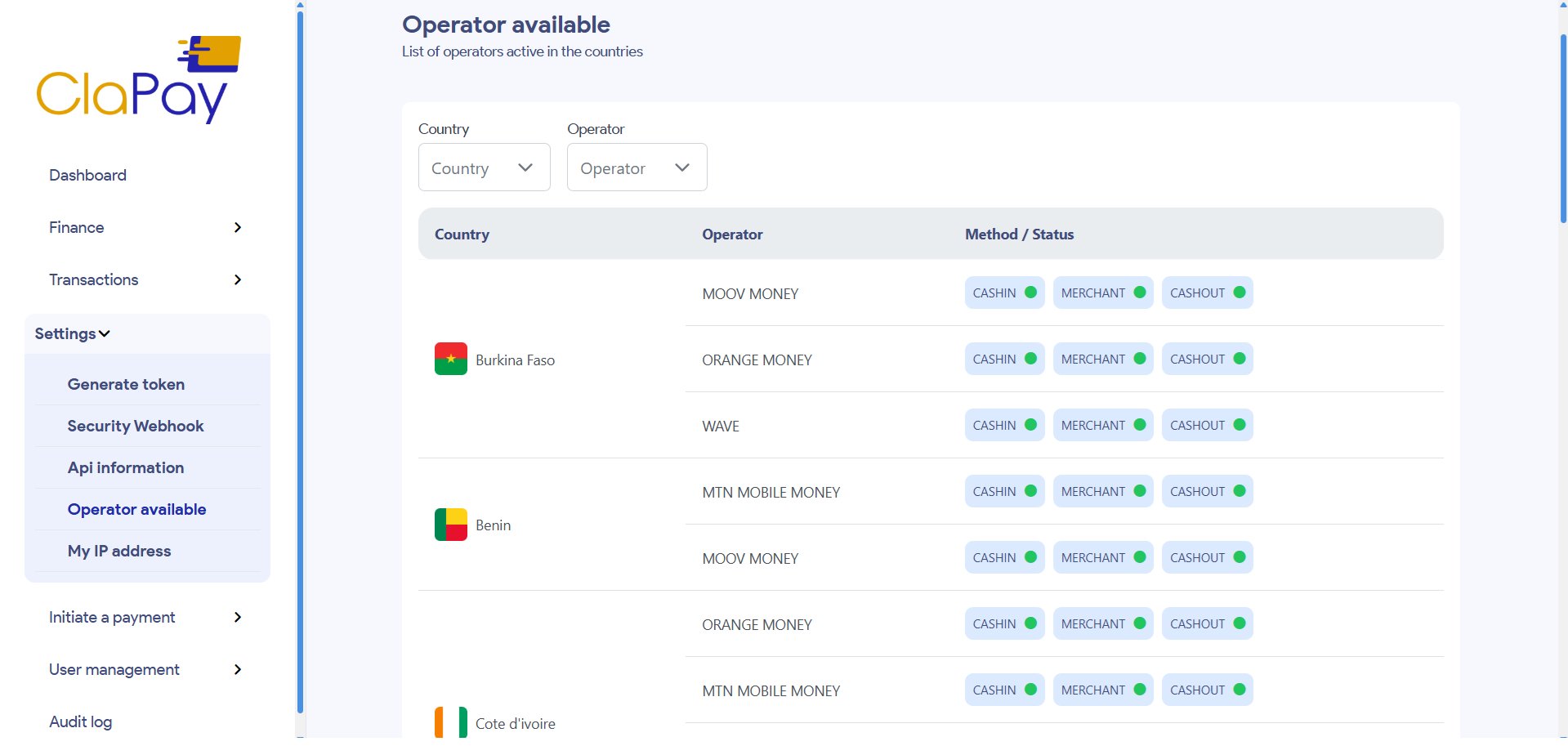
You can filter the list of operators by country 🌍 and operator name 🧾.
The status can be either ✅ "Available" or ❌ "Not Available".
🔍 Filters & Search
In the Operator Available section, you can easily filter and search for specific operators using the available filters 🔧.
🌍 Filter by Country
You can filter the list of operators based on their country 🗺️. This allows you to view the availability of operators in specific regions or countries.
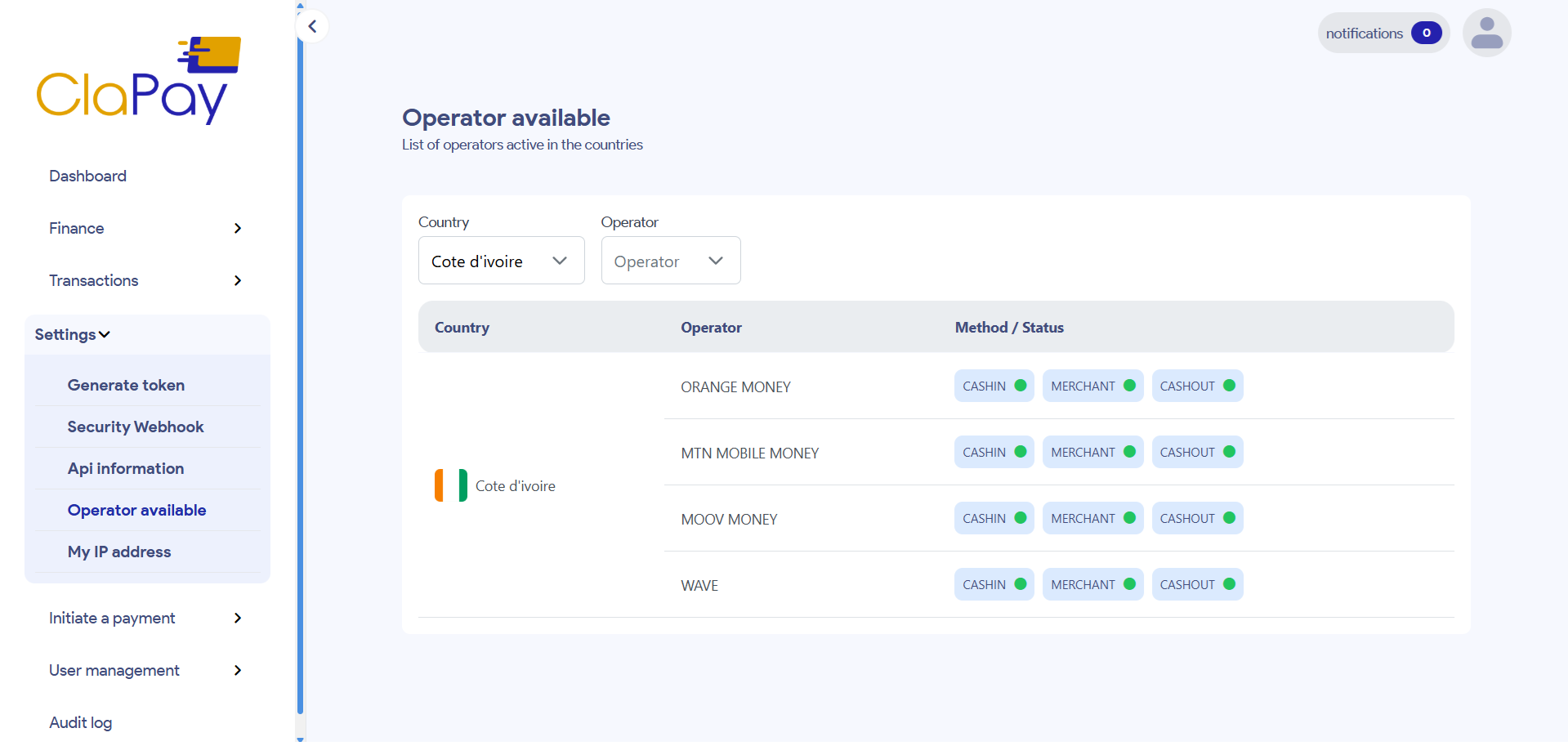
To apply the country filter, simply select the country from the dropdown list. The list will automatically update to show only operators in that country.
📝 Example
If you select Côte d'Ivoire (CI) from the dropdown, the list will display only the operators available in Côte d'Ivoire 🇨🇮.
🧾 Filter by Operator Name
You can also filter operators by their name 🧑💼. This is useful if you are looking for a specific operator or need to narrow down your search results.
Just type the operator's name in the search field, and the list will be filtered to show only the matching entries 🔍.
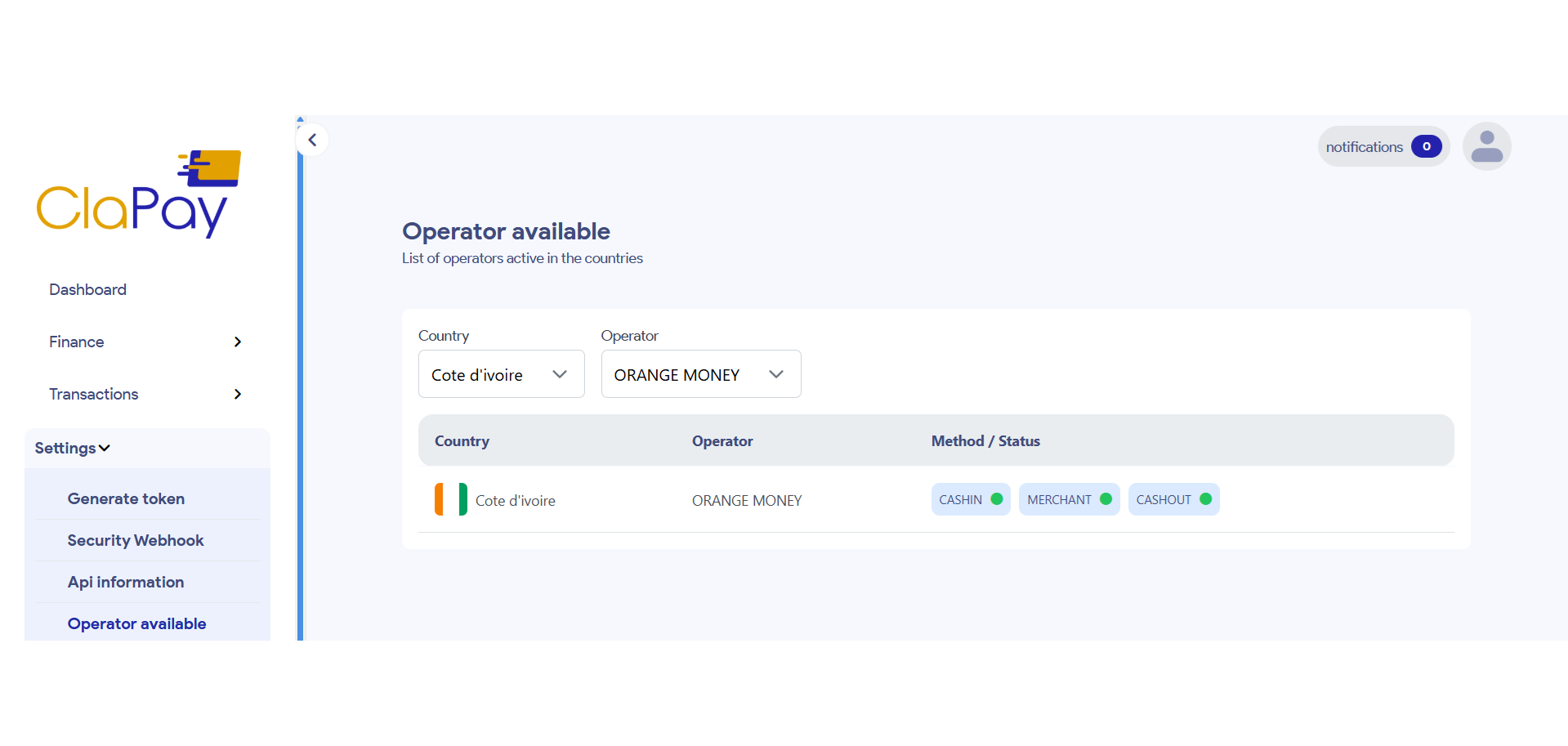
You can combine both filters to refine your search even further 🔄.
For example, you can select one or many specific countries and then search for one or many operators.
✅ View Availability Status
After applying the filters, the list will display operators along with their availability status 📊.
- ✅ Available: The operator is ready to process transactions.
- ❌ Not Available: The operator is currently not available for transactions.
With these filters, you can easily track and manage the operators' availability, ensuring efficient transaction processing across different regions and operators 🌐.
Was this page helpful?