My IP Address
The My IP Address section provides a comprehensive overview of your IP address settings in the ClaPay Back Office.
It allows you to manage and configure your IP address for secure access to the platform 🔐.
➕ Add IP Address
To add a new IP address, follow these steps:
1. 🖱️ Click on the
Add an IP address
button.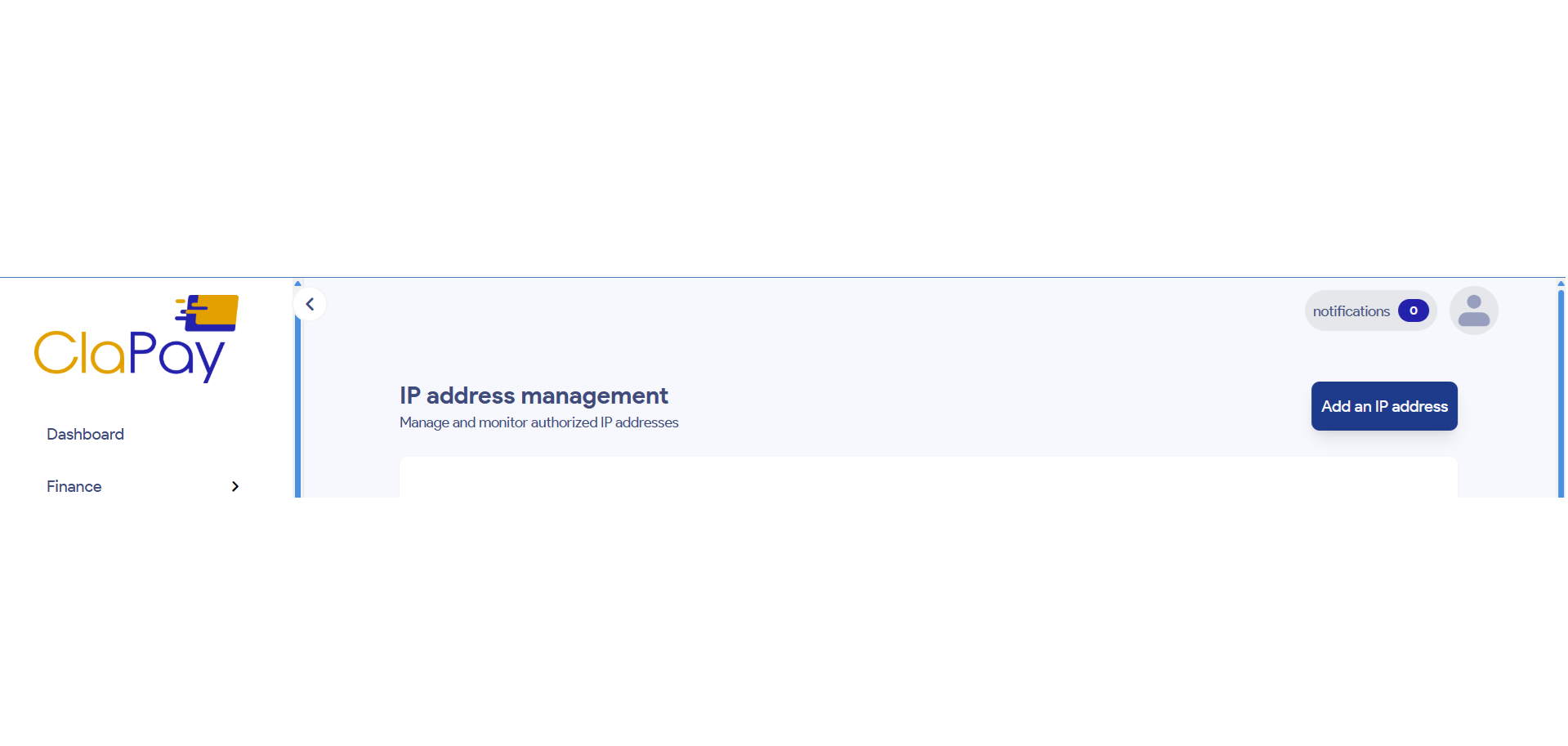
2. 🧾 Enter the IP address you want to add.
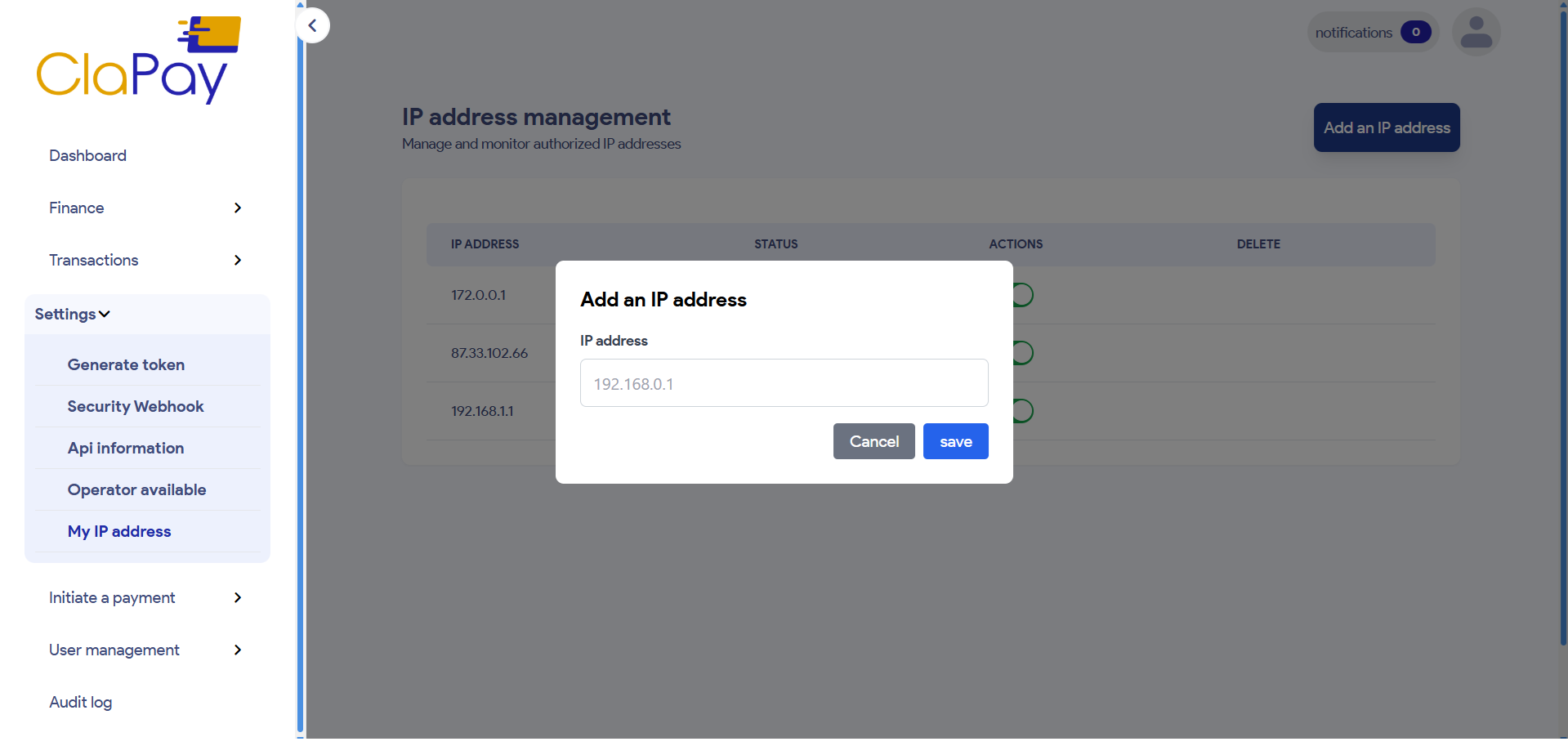
3. 💾 Click on
Save
to confirm the addition.📄
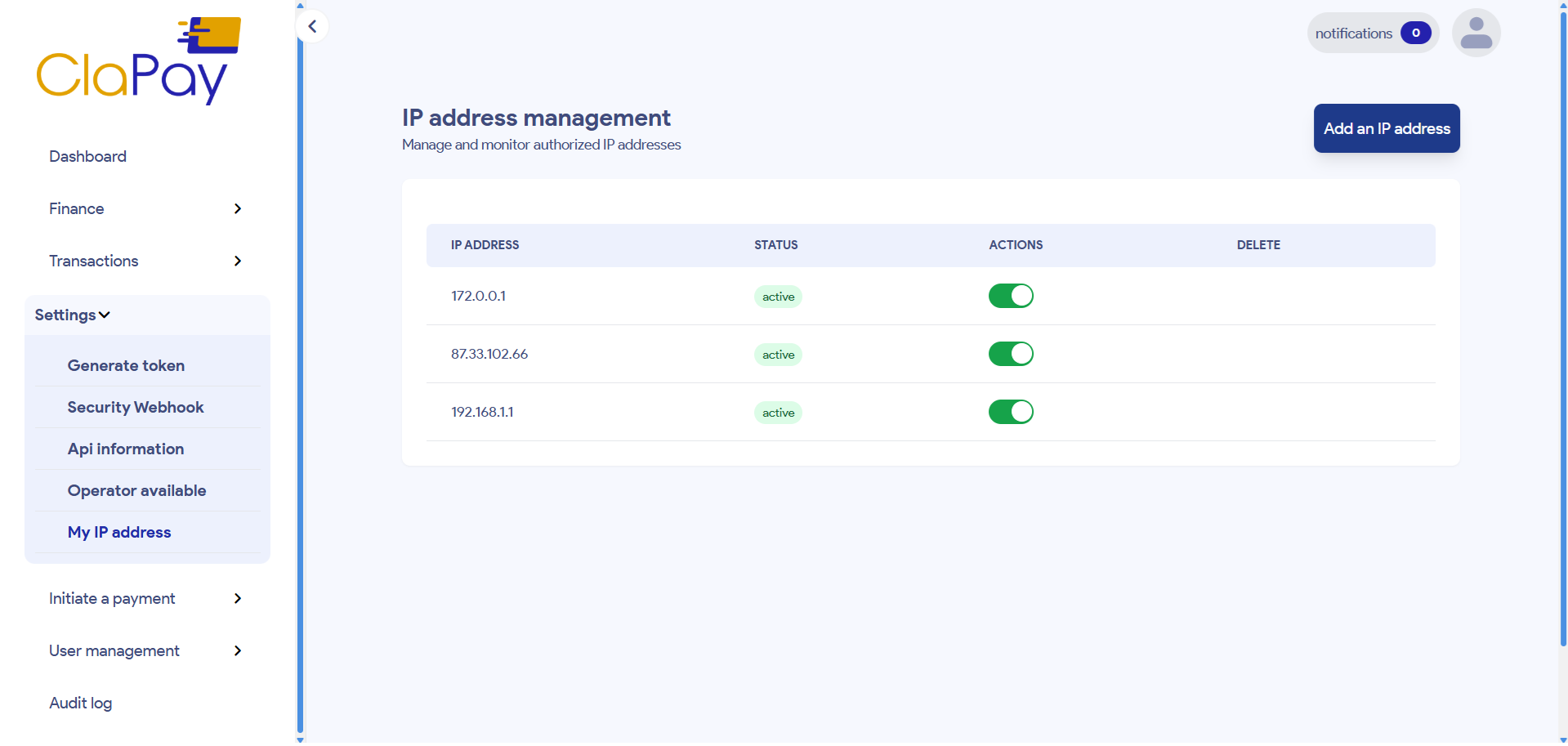
List of IP Addresses
You can view the list of all added IP addresses in the My IP Address section 👁️🗨️.
Each entry will display the IP address and its status 📌.
Was this page helpful?