🔐 Webhook Security
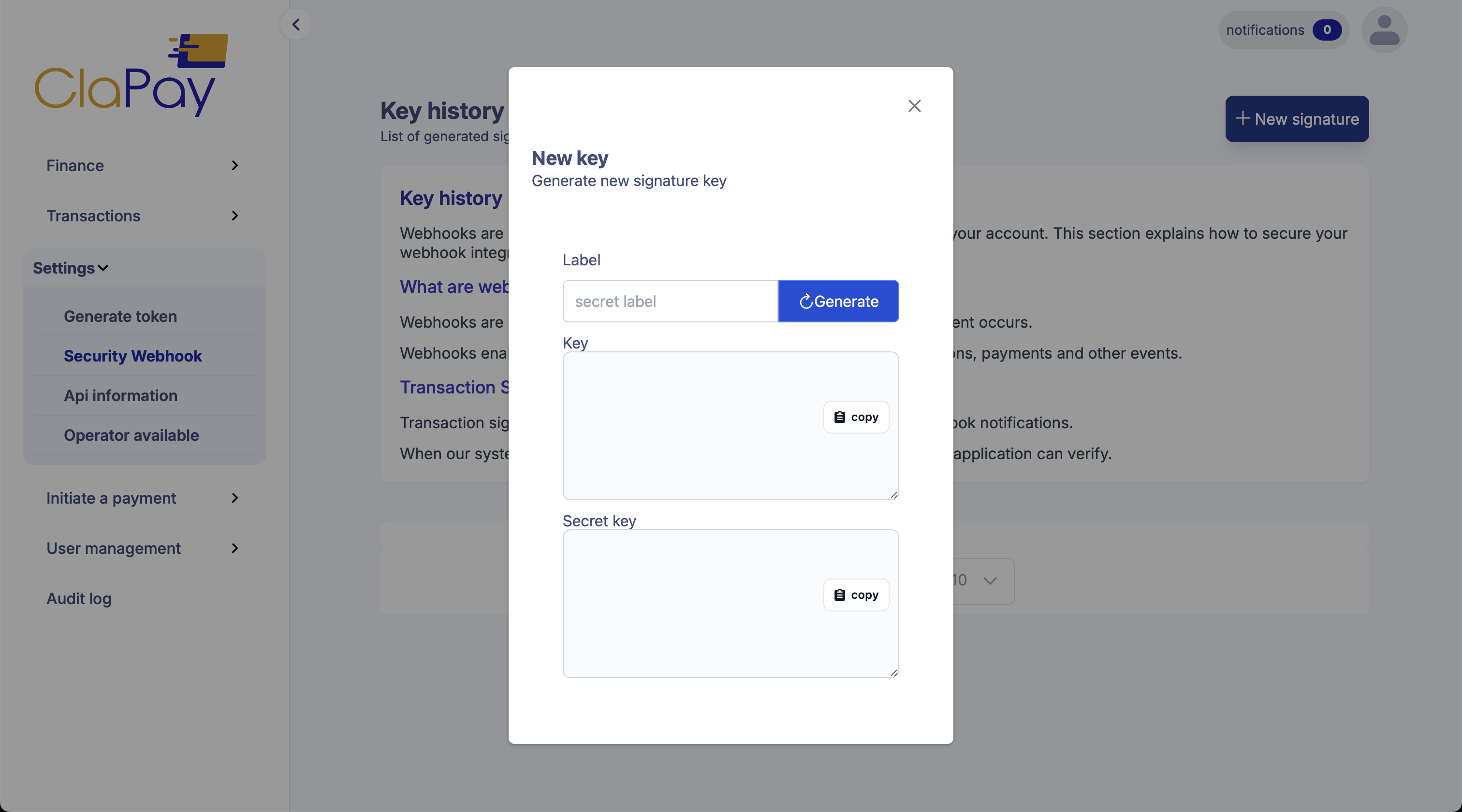
To ensure that an event notification is from ClaPay, webhooks are associated with a secret that is used in the header of each request as a signature.
Shared Secret
This strategy is the simplest way to verify the origin of the request. The webhook secret will be included in the header, and you must compare it with the one stored on your system. If they match, then you can trust the request and proceed with processing the payment.
Example credentials:-
Webhook Secret:
nowallet_sk_wibuTFF6v3BGCsFXK3ZbxojWhGq7htWFN8iKo+ZBsu4= -
Webhook Unique Key:
nowallet_uk_w0quVMx4Vy54zk321rYyrvQeLEJA8Y5TyFxTDYJQ4VU=
Signing Secret
The signing-secret strategy utilizes the webhook secret to sign the
hashed body of the request, including it on the Nowallet-Signature
header. This strategy allows you to verify not only the origin of the
request, but also the integrity of the body. We recommend this strategy
if you require extra security.
Nowallet-Signature: key= 6f130f57-19fa-452d-805c-1e3eec773de9,signature=9fb24256526acf253fe463ccc7fccc30ff3e43cdc10f001d6e06b24face72ff3
The header contains a signature for each secret on your webhook. Usually, you would only have one active secret, but for a time after you change secrets, you may have more than one that is active. The signature is a hash-based message authentication code (HMAC) generated from the payload using a SHA256 hash function. To verify the webhook signature, you compute the expected HMAC value based on the body of the event message and the webhook secret and make sure that the result is provided as one of the signatures in the header.
Steps to Verify Nowallet-Signature Header
- Split the header by
,to get key and signature elements. - Split each element by
=to extract values. - Encrypt the key using the webhook unique key and HMAC-SHA256.
- Construct the payload:
payload = encryptedKey + requestBody (stringified) - Generate the expected signature using HMAC-SHA256 with the webhook secret and constructed payload.
- Compare the generated signature with the ones in the header.
🧪 Example for Signature Validation
JavaScript Code Example
const crypto = require("crypto");

const validateSignature = (
  NowalletSignature,
  body,
  webhookSecret,
  WebhookUniqueKey
) => {
  const parts = NowalletSignature.split(",");
  const keyPart = parts.find((comp) => comp.startsWith("key="));
  const key = keyPart?.split("=")[1];
  const signatureParts = parts.filter((comp) => comp.startsWith("signature="));
  const signatures = signatureParts.map((s) => s.split("=")[1]);

  const keyEncrypted = crypto
    .createHmac("sha256", WebhookUniqueKey)
    .update(key)
    .digest("hex");
  const payload = keyEncrypted + JSON.stringify(body);
  const calculatedSignature = crypto
    .createHmac("sha256", webhookSecret)
    .update(payload)
    .digest("hex");

  return signatures.includes(calculatedSignature);
};
Test the Signature
You can use the values below to test your integration.
Webhook Secret
-
Webhook Secret:
nowallet_sk_wibuTFF6v3BGCsFXK3ZbxojWhGq7htWFN8iKo+ZBsu4= -
Webhook Unique Key:
nowallet_uk_w0quVMx4Vy54zk321rYyrvQeLEJA8Y5TyFxTDYJQ4VU=
Noted it is on one line text
Body raw Request
{
  "status": "SUCCESSFUL",
  "transaction_id": "abdoul100KWAVE",
  "additional_infos": {
    "customer_email": "[email protected]",
    "customer_lastname": "App",
    "customer_firstname": "Test"
  },
  "amount": 10000,
  "currency": "XOF",
  "fee_percent": 1,
  "fee_value": 100,
  "balance": 9900,
  "balance_before": 0,
  "balance_after": 0,
  "transaction_method": "MERCHANT",
  "transaction_phone_number": "XXXXXXXXX",
  "transaction_dialcode": "+225",
  "signature": "TEST-ba325fc6-ca09eb7b4dce-gb-7878",
  "transaction_date": "2023-11-27T03:24:31.839Z",
  "transaction_country_code": "CI",
  "transaction_service_name": "ORANGE MONEY",
  "transaction_observation": ""
}
This JSON must be parsed into a string before computing the signature. If you're using JavaScript, use JSON.stringify(body).
Jdoodle test signature
Was this page helpful?