Wave Merchant Configuration
🌊 Configuration Overview
This section provides an overview of the wave merchant configuration settings.
You can add, edit, and delete wave merchant access as needed.
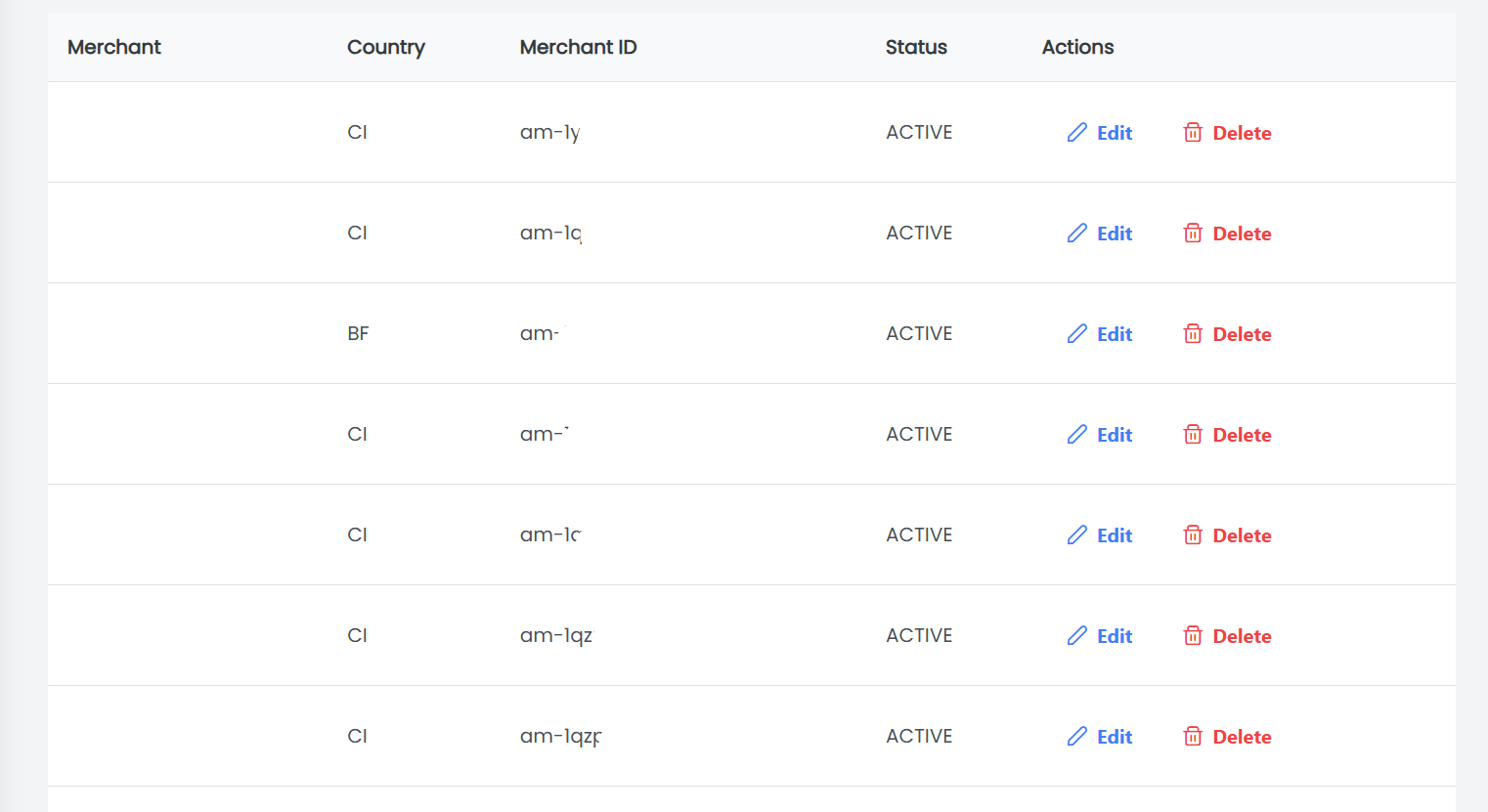
This table displays the wave merchant access with the following information:
-
Merchant: The name of the wave merchant
-
Country: The country where the wave merchant operates
-
Merchant ID: The unique identifier for the wave merchant
-
Status: The current status of the wave merchant access (e.g., Active)
-
Actions: Action buttons to manage the wave merchant access (e.g., Edit, Delete)
What are features?
🔍 Filter search
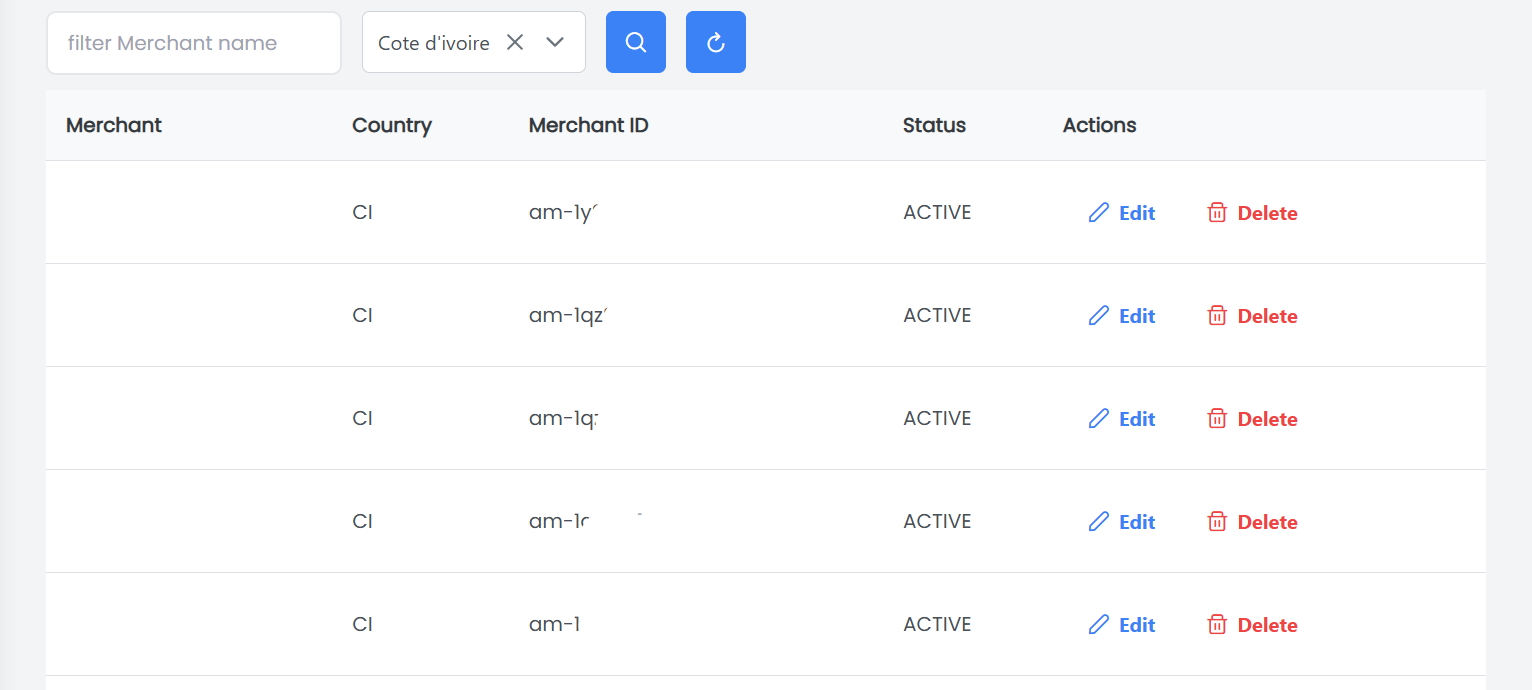
Use the search feature to filter the data table according to different criteria. Once you are done, click on the Search button.
For example, we can search all wave merchants in a specific country (e.g., Côte d'ivoire).
➕ Add Wave Merchant
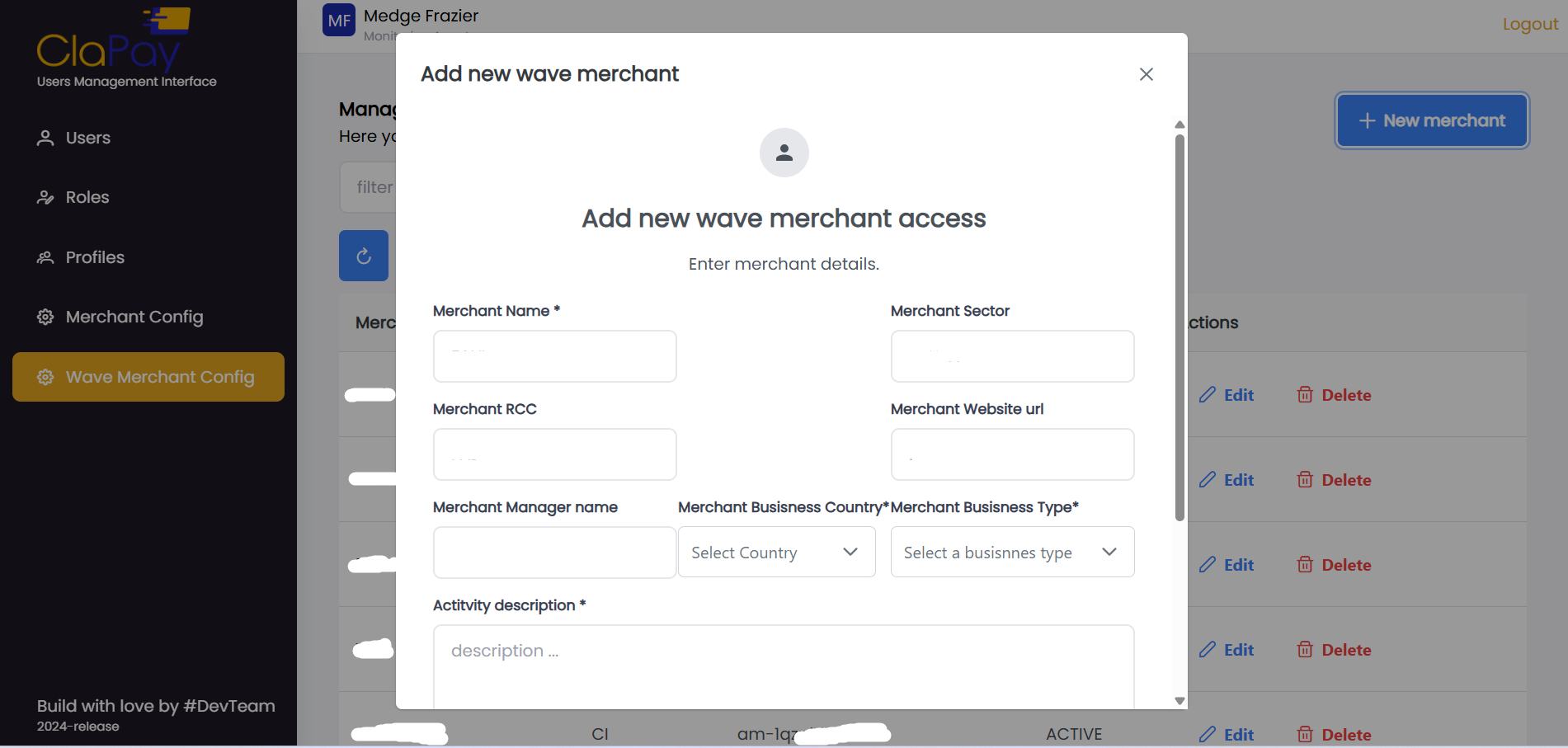
- To add a new wave merchant, click on the ➕ New Merchant button.

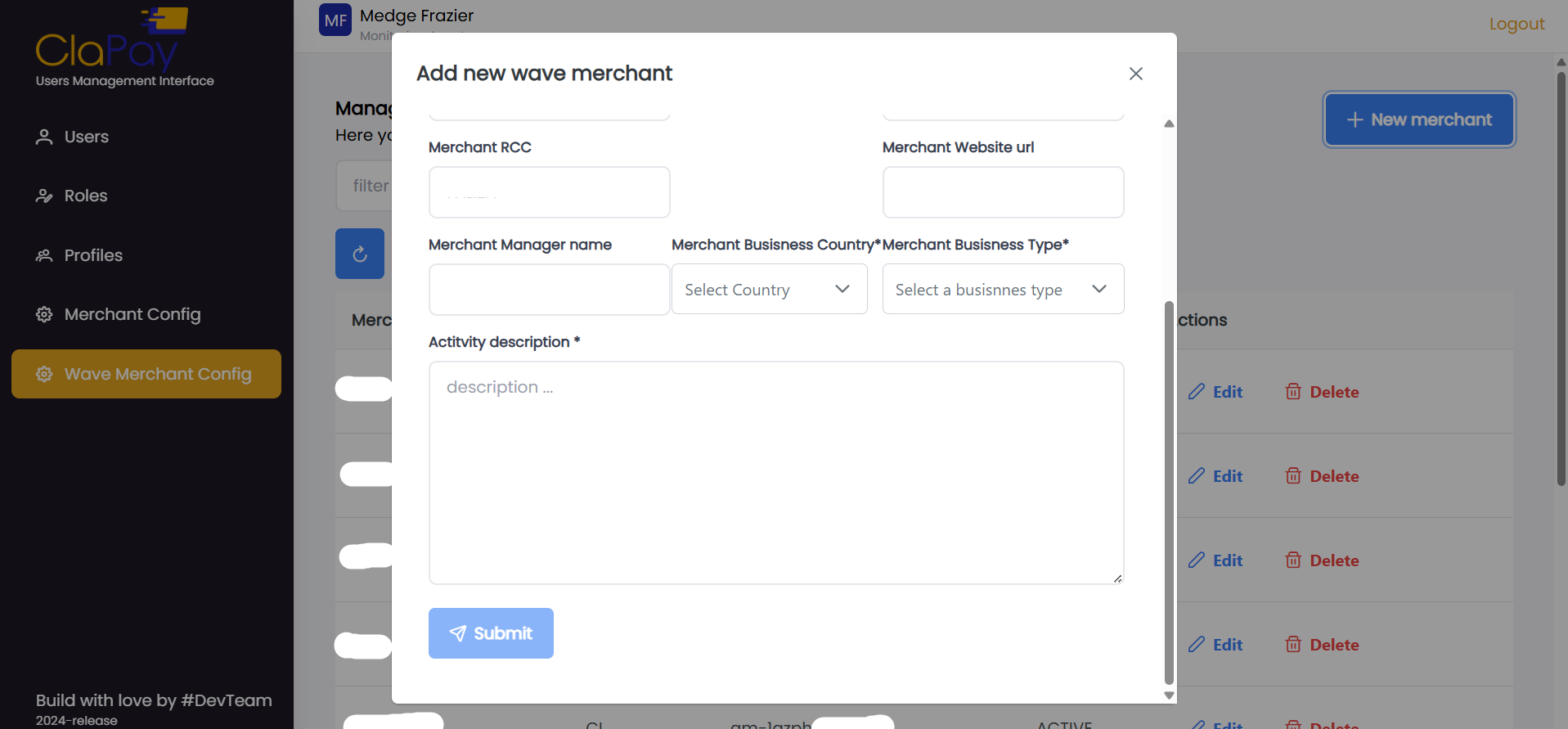
- Fill in the wave merchant details in the provided form and click on the Submit button.
✏️ Edit Wave Merchant
- To edit an existing wave merchant, click on the ✏️ Edit button next to the merchant you want to modify.

- Make the necessary changes in the form and click on the Submit button to save your changes.

Was this page helpful?