Profiles
👤 Profiles Overview
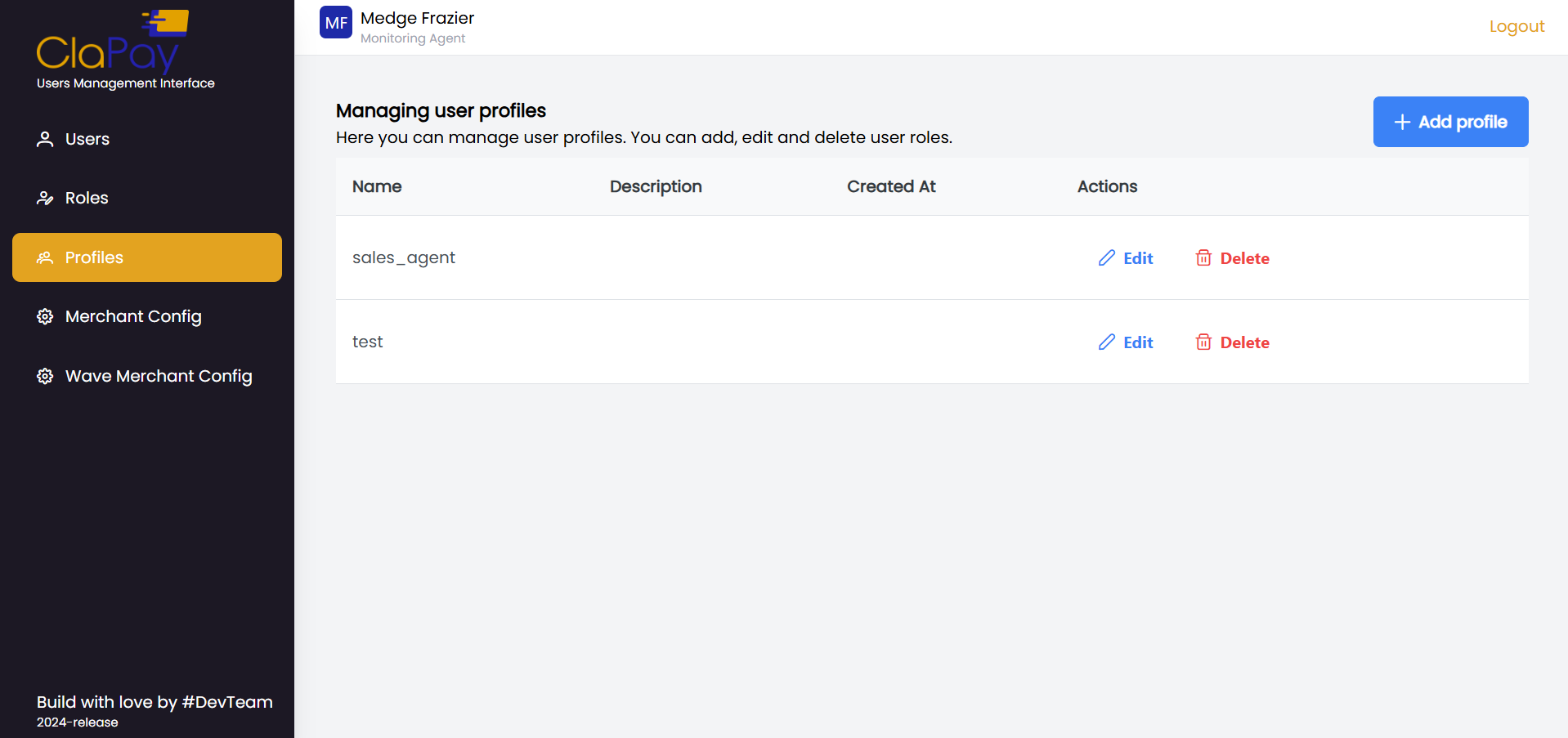
This section provides an overview of the profiles module, which allows you to manage user profiles. You can create, edit, and delete profiles as needed. This table displays the list of profiles with the following information:
-
Name: The name of the profile
-
Description: A brief description of the profile
-
Created at: The date and time when the profile was created
-
Action: Action buttons to manage the profile (e.g., Edit, Delete)
How to add a new profile?
- Click on the ➕ Add Profile button.

- Fill in the profile details in the provided form.
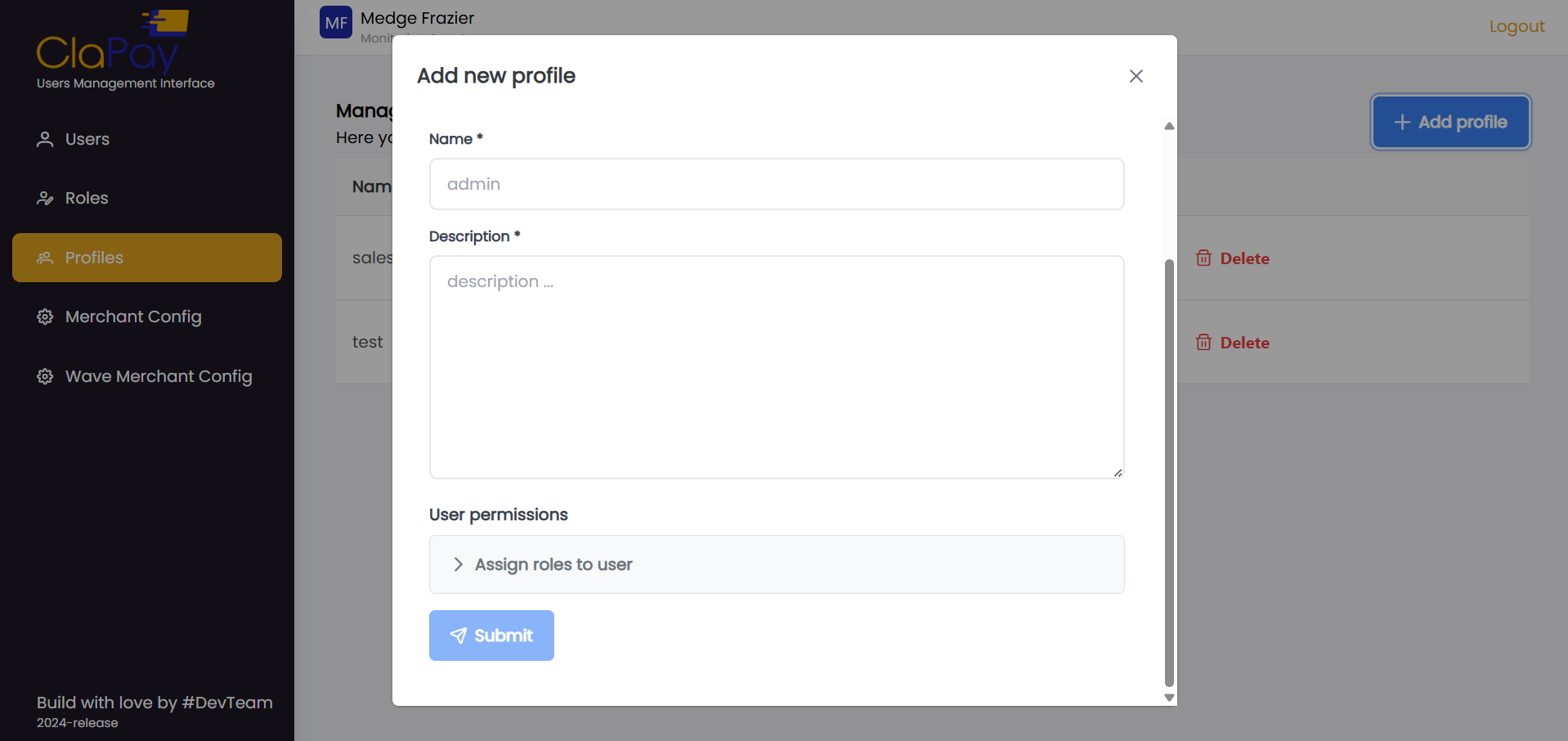
- Click Submit to create the new profile.

Was this page helpful?