Notify In App
🔔 Notify In App Overview
This section covers sending notifications in the app to merchants about possible system maintenance, upcoming new features, etc.
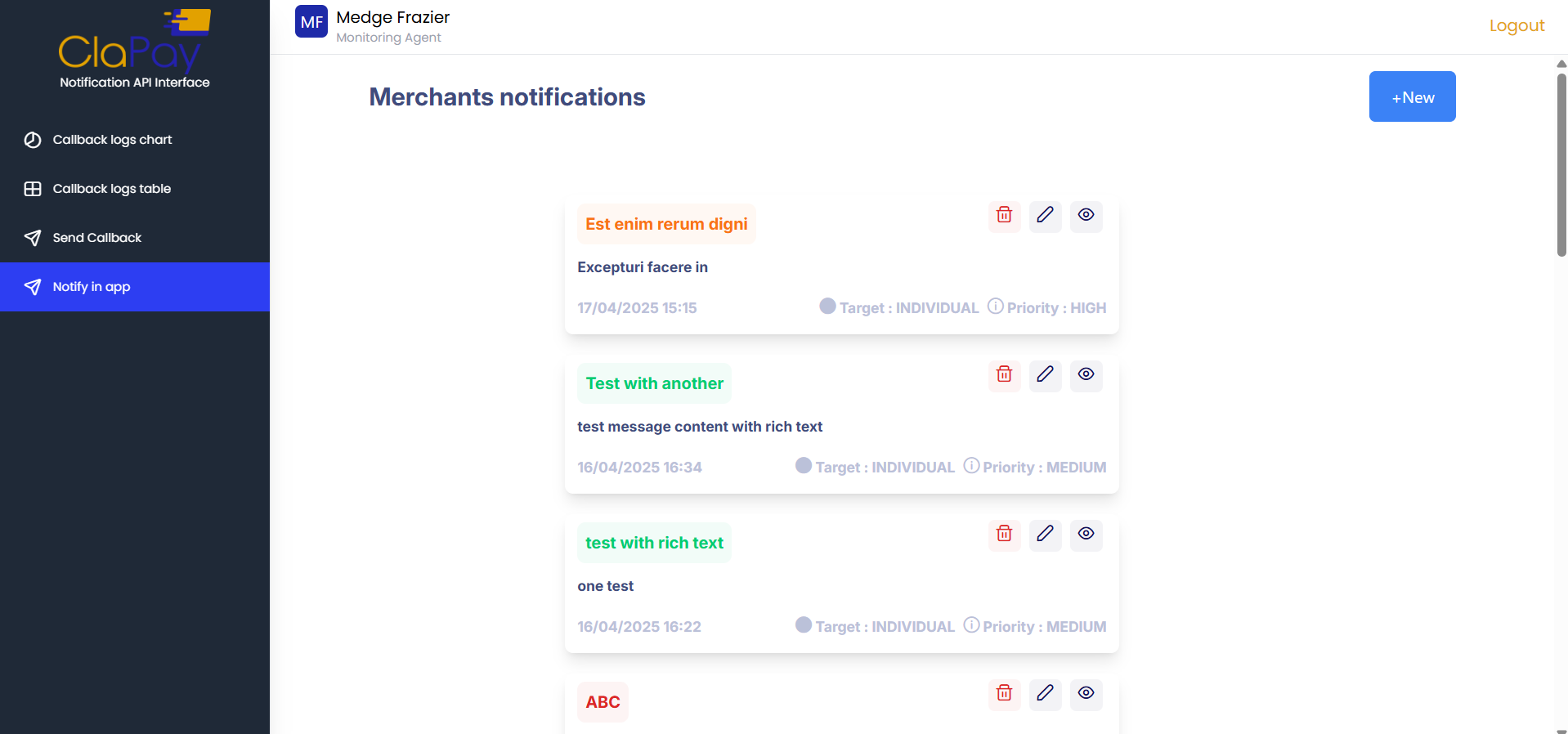
How to Send In-App Notifications?
To send in-app notifications, follow these steps:
- Click on the New button.

- Fill in the required fields in the form that appears.
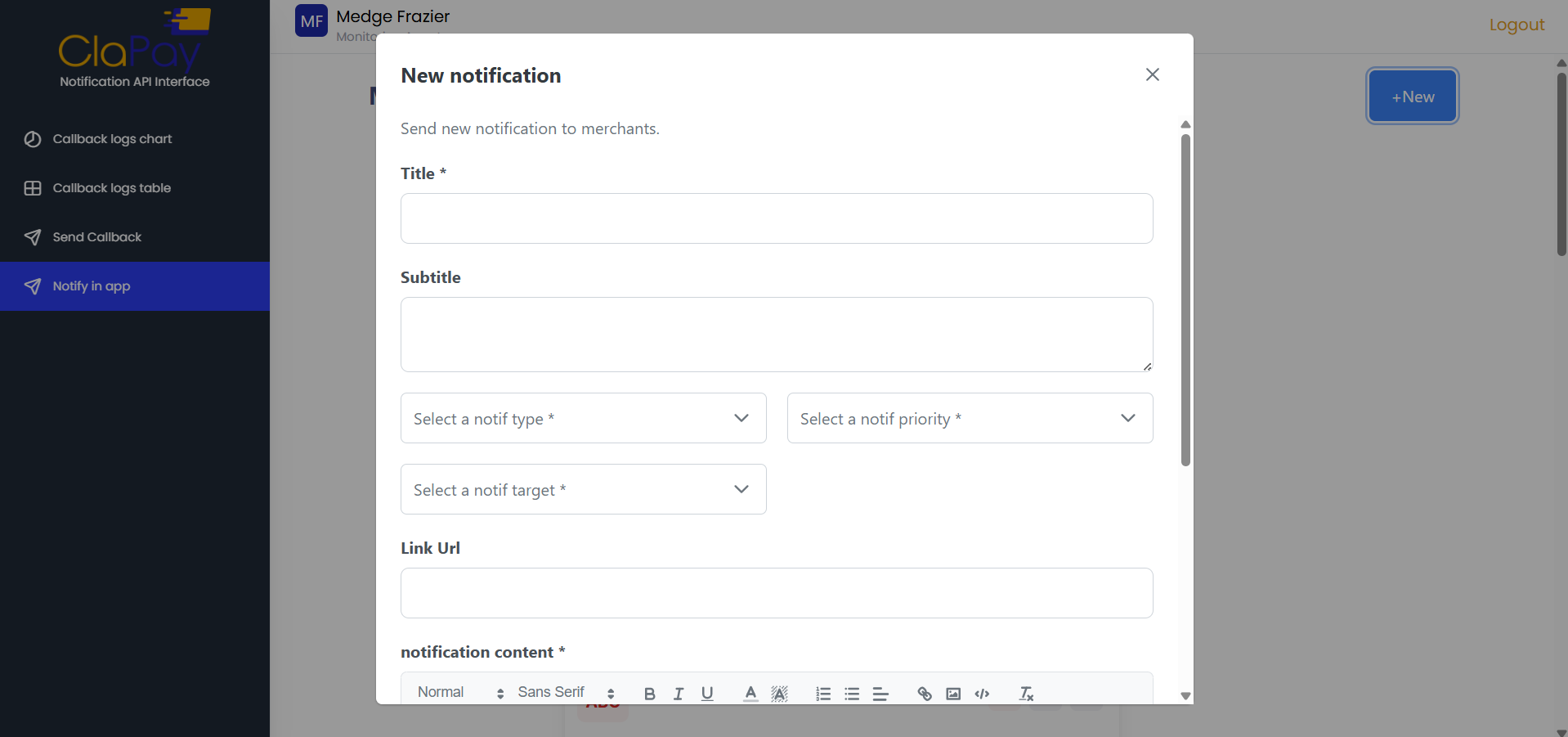
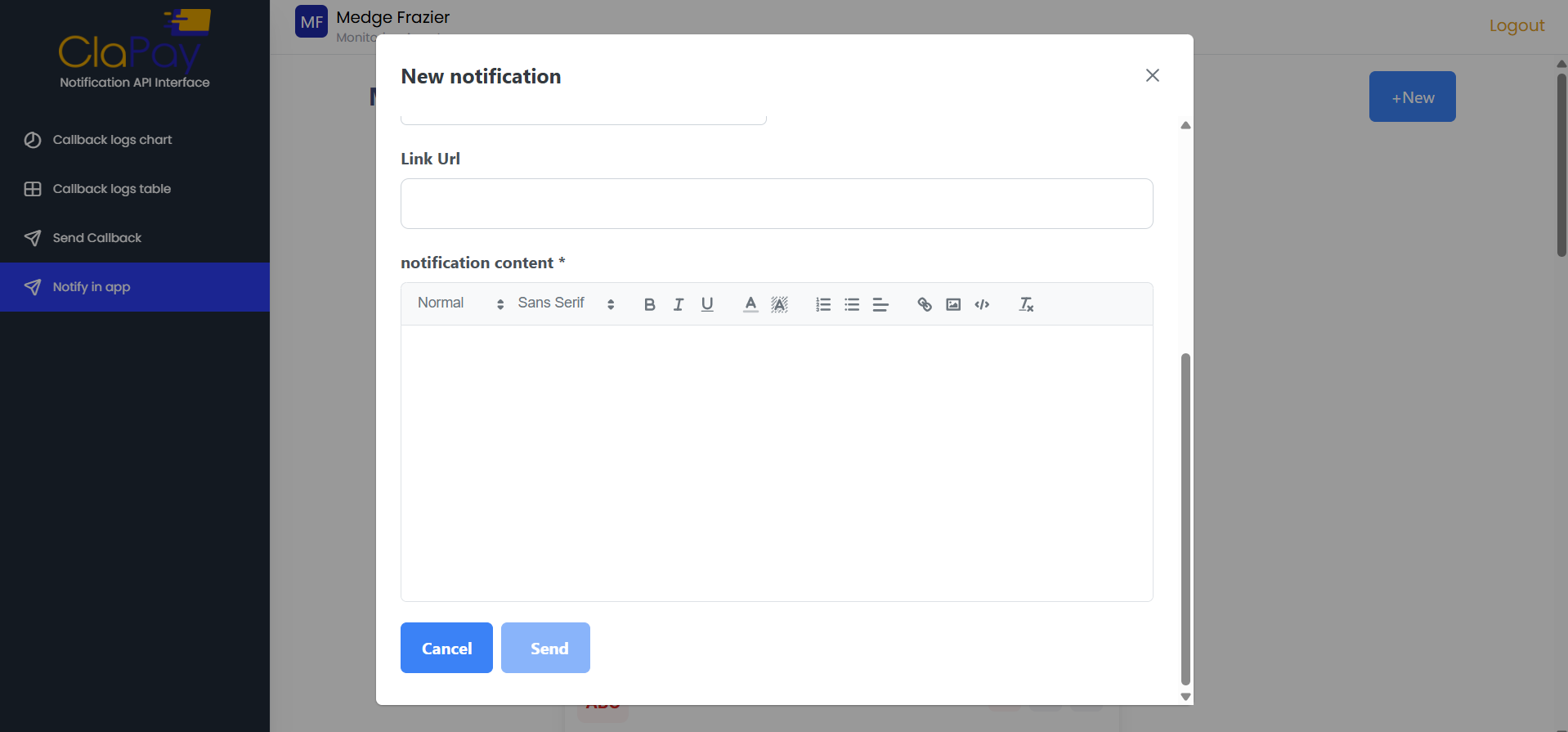
- Click on the Send button to send the notification.
Was this page helpful?